1
Playback : continued
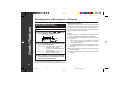
Basic operation
1
2
3
4
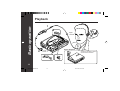
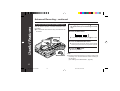
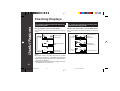
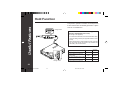
Insert the headphones into the headphones remote control unit.
Plug the remote control into the
on the unit.
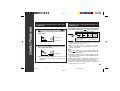
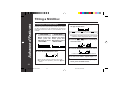
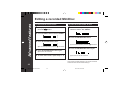
Volume control
Press the VOL+ button to increase the volume and
the VOL– button to decrease the volume.
socket
Volume (0 - 30)
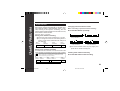
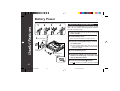
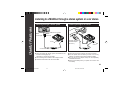
Insert a MiniDisc (page 8).
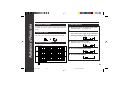
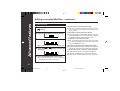
Bass control
Press the 06 button.
● Playback starts automatically with a playback only
MiniDisc or a MiniDisc which is protected against
accidental erasure (Auto-play function).
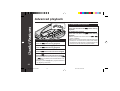
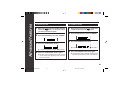
To interrupt playback
Press the 06 button.
● To resume playback, press the 06 button again.
To stop playback
Press the • ■/:OFF button.
● If the unit is not operated for at least 2 minutes whilst
in the stop mode, the power will shut off automatically.
To turn off the power
Press the • ■/:OFF button whilst in the stop mode.
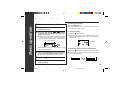
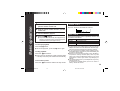
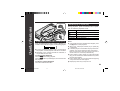
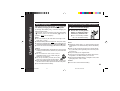
Each time the BASS button is pressed, the tone will
be switched as follows.
BASS1
BASS2
BASS3
BASS OFF
Emphasised slightly
Emphasised more
Emphasised fully
Cancelled
Notes:
● If power failure occurs whilst playing a disc using the AC
adaptor, disconnect it from the wall socket. Otherwise, playback may start automatically when electricity resumes.
● If you connect the AC adaptor without installing the rechargeable battery, playback may start automatically. Be
sure to turn off the power.
● Reduce the volume before starting to play. MiniDiscs,
compared to ordinary cassette tapes, have very little
noise. If the volume is adjusted according to your usual
expectations of noise, high volume may damage your
hearing.
● The sound escaping from your headphones may annoy
people around you.
In particularly crowded places (such as on trains or
buses), reduce the volume.
15
14
**03-BASIC OPERATION
15
02.07.2000, 10:03 AM