1
Security Configuration Command Set
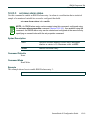
Configuring 802.1X Authentication
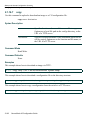
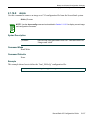
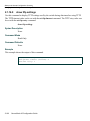
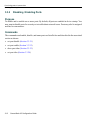
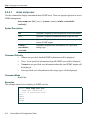
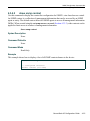
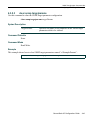
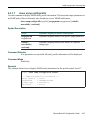
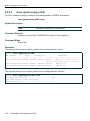
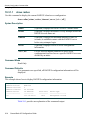
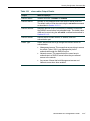
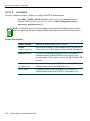
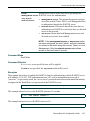
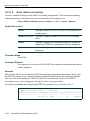
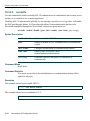
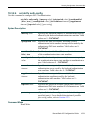
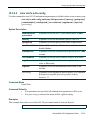
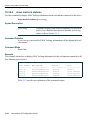
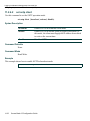
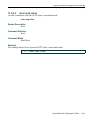
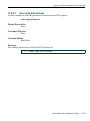
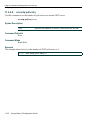
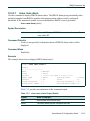
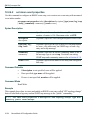
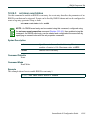
Command Defaults
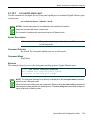
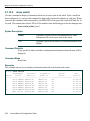
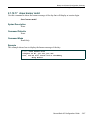
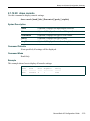
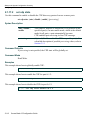
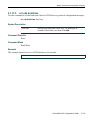
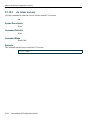
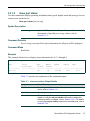
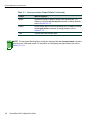
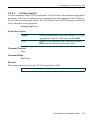
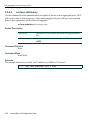
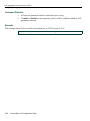
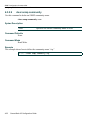
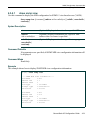
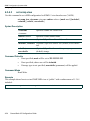
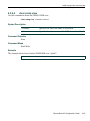
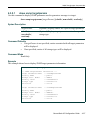
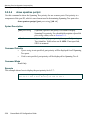
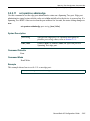
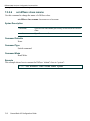
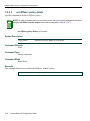
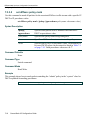
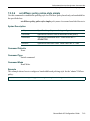
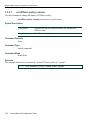
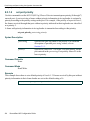
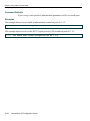
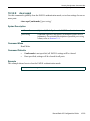
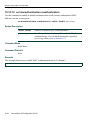
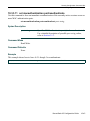
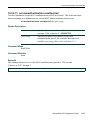
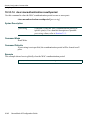
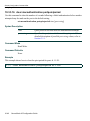
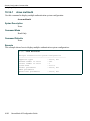
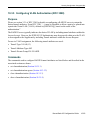
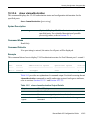
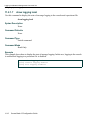
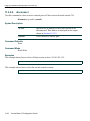
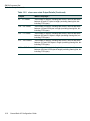
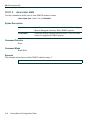
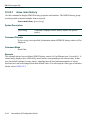
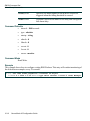
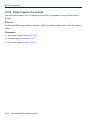
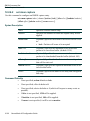
• If no parameters are specified, all 802.1X settings will be displayed.
•
If port-string is not specified, information for all ports will be displayed.
Examples
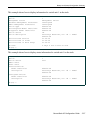
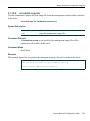
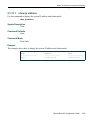
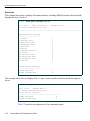
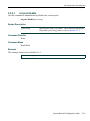
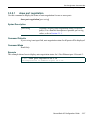
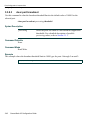
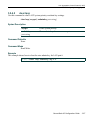
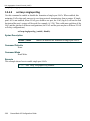
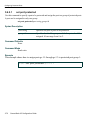
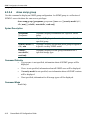
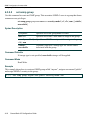
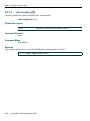
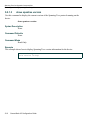
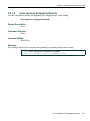
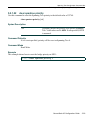
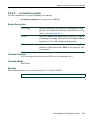
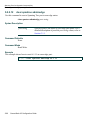
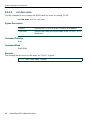
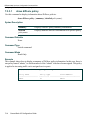
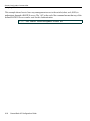
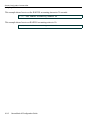
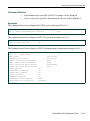
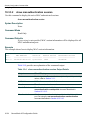
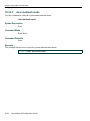
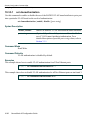
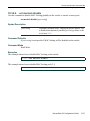
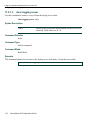
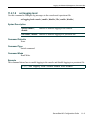
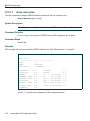
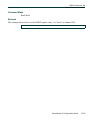
This example shows how to display the EAPOL port control mode for fe.1.1:
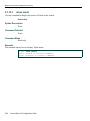
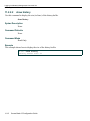
A2(rw)->show dot1x auth-config authcontrolled-portcontrol fe.1.1
Port 1: Auth controlled port control:
Auto
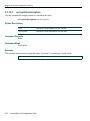
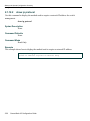
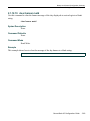
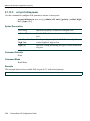
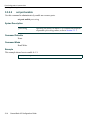
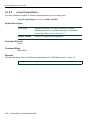
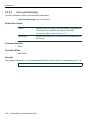
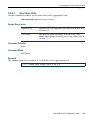
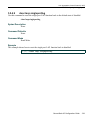
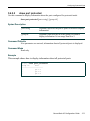
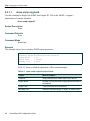
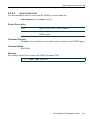
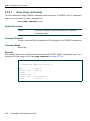
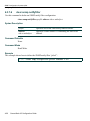
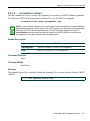
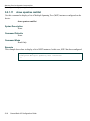
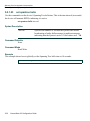
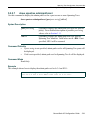
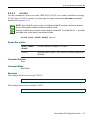
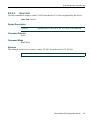
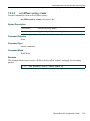
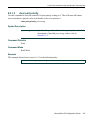
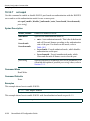
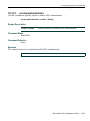
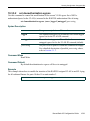
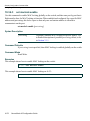
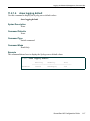
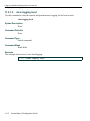
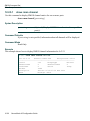
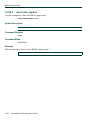
This example shows how to display the 802.1X quiet period settings for fe.1.1:
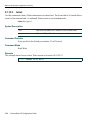
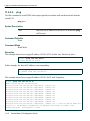
A2(rw)->show dot1x auth-config quietperiod fe.1.1
Port 1: Quiet period:
30
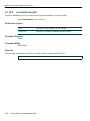
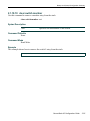
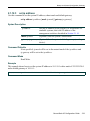
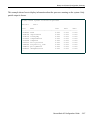
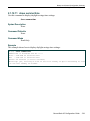
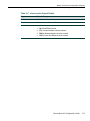
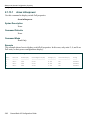
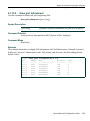
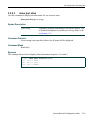
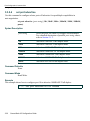
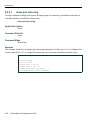
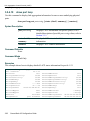
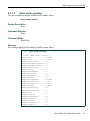
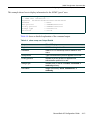
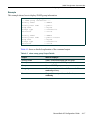
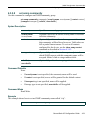
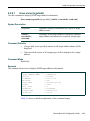
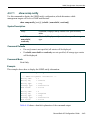
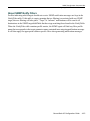
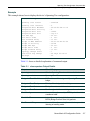
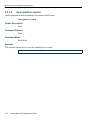
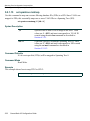
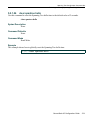
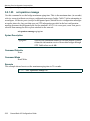
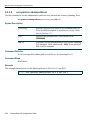
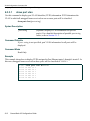
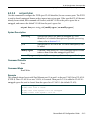
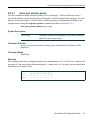
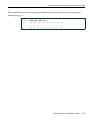
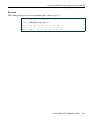
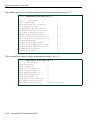
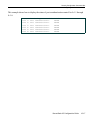
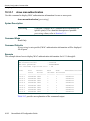
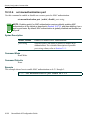
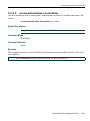
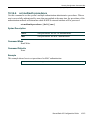
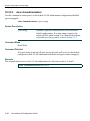
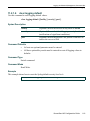
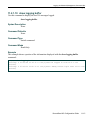
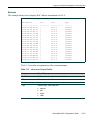
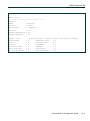
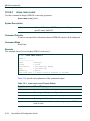
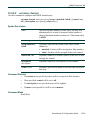
This example shows how to display all 802.1X authentication configuration settings for fe.1.1:
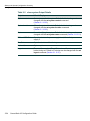
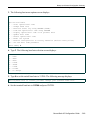
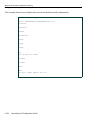
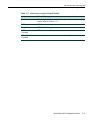
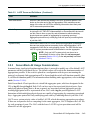
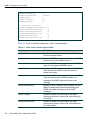
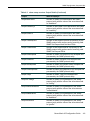
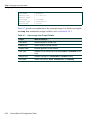
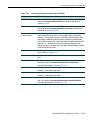
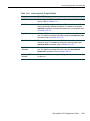
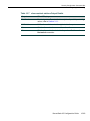
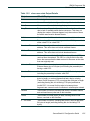
A2(rw)->show dot1x auth-config
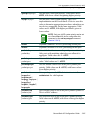
Port : 1
Auth-Config
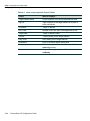
PAE state:
Backend auth state:
Admin controlled directions:
Oper controlled directions:
Auth controlled port status:
Auth controlled port control:
Quiet period:
Transmission period:
Supplicant timeout:
Server timeout:
Maximum requests:
Reauthentication period:
Reauthentication control:
fe.1.1
Initialize
Initialize
Both
Both
Authorized
Auto
60
30
30
30
2
3600
Disabled
SecureStack A2 Configuration Guide
10-19