1
Differentiated Services Configuration Command Set
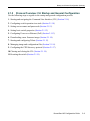
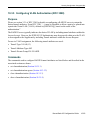
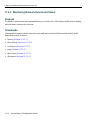
Creating Diffserv Classes and Matching Conditions
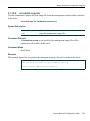
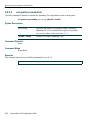
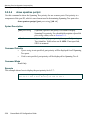
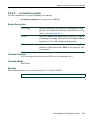
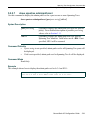
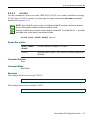
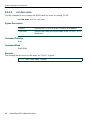
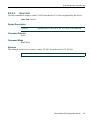
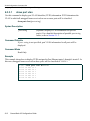
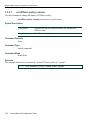
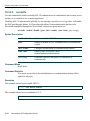
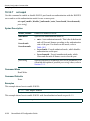
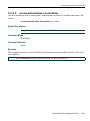
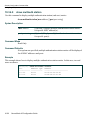
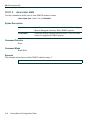
7.3.2.5
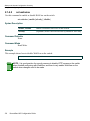
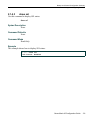
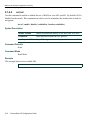
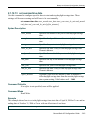
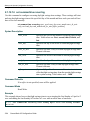
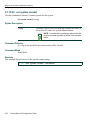
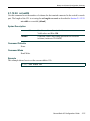
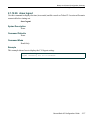
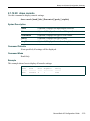
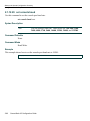
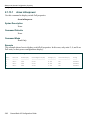
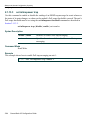
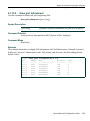
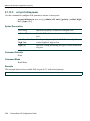
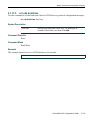
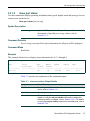
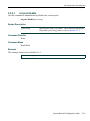
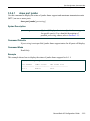
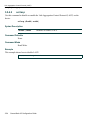
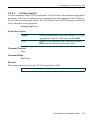
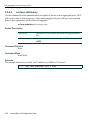
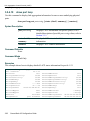
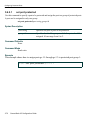
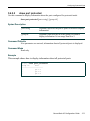
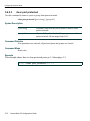
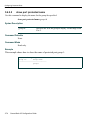
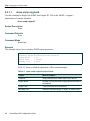
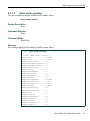
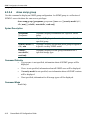
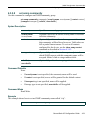
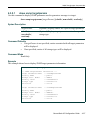
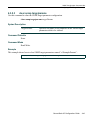
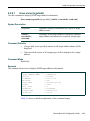
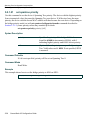
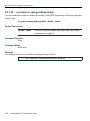
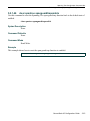
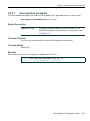
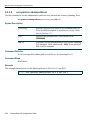
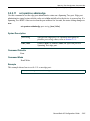
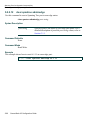
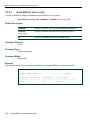
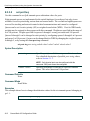
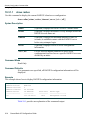
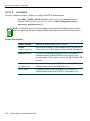
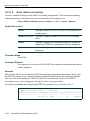
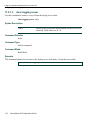
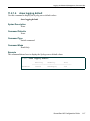
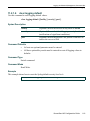
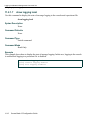
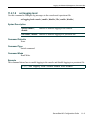
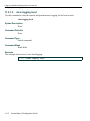
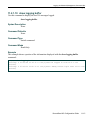
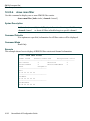
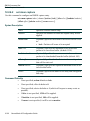
set diffserv class match
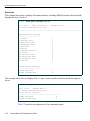
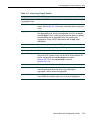
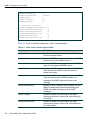
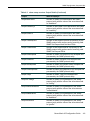
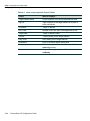
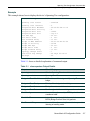
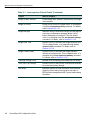
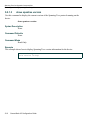
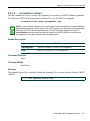
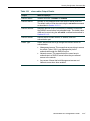
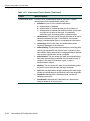
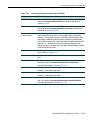
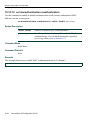
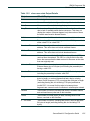
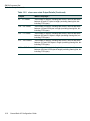
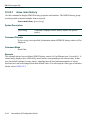
Use this command to match a Diffserv class to a service condition based on layer 2, 3 and 4 packet
parameters. Any policy that is applied must be composed of rules that come from only one of the
following four groups.
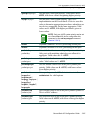
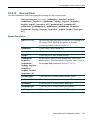
• Layer 3:
• Destination IP address (dstip)
• Destination Layer 4 port (dstl4port)
• IP Diffserv Code Point (ipdscp)
• IP precedence field (ipprecedence)
• IP type of service (TOS) field (iptos)
• IP protocol field (protocol)
• Source IP address (srcip)
• Source Layer 4 port (srcl4port)
• Layer 2:
• Destination MAC address (dstmac)
• Source MAC address (scrmac)
• VLAN ID (vlan)
• Layer 2 Layer 3 source:
• Source MAC address (scrmac)
• Source IP address (srcip)
• VLAN ID (vlan)
• Layer 2 Layer 3 destination:
• Destination MAC address (dstmac)
• Destination IP address (dstip)
• VLAN ID (vlan)
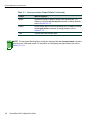
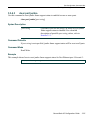
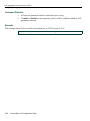
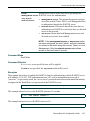
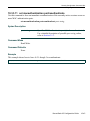
NOTE: The match type every will work with any group.
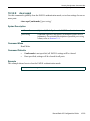
You cannot create and add a class to a policy before adding any rules (match conditions) to the class.
Once a class is added to a policy, you cannot add any more rules (match conditions) to the class.
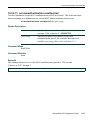
You cannot create outbound policies.
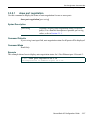
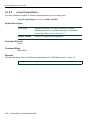
You can only add rules that fit into the same category (shown in the groupings above) to a class. For
example, if you create a class and add the match conditions dstip and dstl4port, you will only be
able to add other rules from the L3 group.
7-8
SecureStack A2 Configuration Guide