1
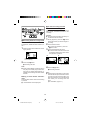
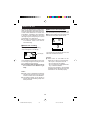
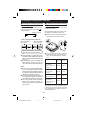
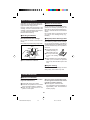
■ To change disc names or track
names
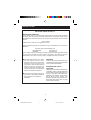
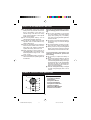
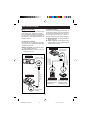
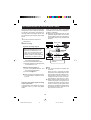
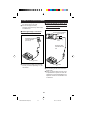
■ Name/stamp
Master MiniDisc
(Prerecorded MiniDisc)
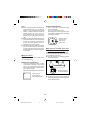
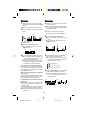
Some MiniDiscs created on other equipment may have more than 100 characters
in a track name or disc name. The characters from the 101st character and on cannot be corrected or changed.
Recordable
MiniDisc
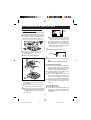
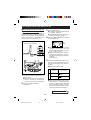
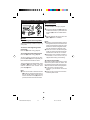
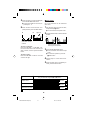
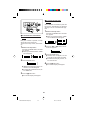
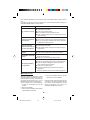
To delete characters:
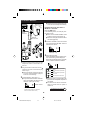
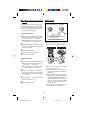
1. The sound is recorded.
2. The character information, such
as the disc name and track
names is transferred
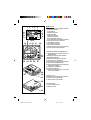
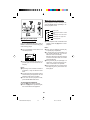
1 Put the unit in the character input mode.
● To delete characters in a disc name,
perform steps 1 - 2 on page 29.
● To delete characters in a track name,
perform steps 1 - 3 on page 30.
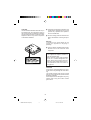
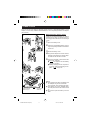
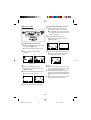
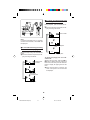
1 Record the sound from the master
2 Press the VOLUME + or VOLUME – but-
MiniDisc onto a recordable MiniDisc.
ton to move the cursor to the character
you want to delete.
Playback unit
Recording unit
3 Press the BASS button.
● The character will be erased.
4 Press the EDIT button.
The sound
is recorded.
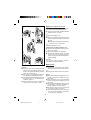
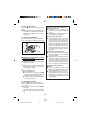
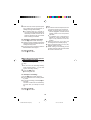
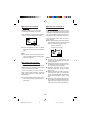
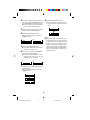
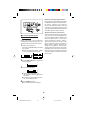
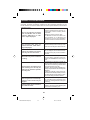
To add characters:
1 Put the unit in the character input mode.
Master
MiniDisc
● To add characters to a disc name, perform steps 1 - 2 on page 29.
● To add characters to a track name,
perform steps 1 - 3 on page 30.
Recordable
MiniDisc
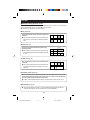
● Refer to the standard recording
method. (Pages 9 - 15)
● At this point, only the sound is recorded. No character information is
transferred.
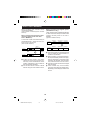
● Check whether the total number of
tracks on the newly recorded MiniDisc
matches the total number of tracks on
the master MiniDisc. If they do not
match each other, combine or divide
tracks using the edit operation.
(Pages 28 - 29)
● This function can not be performed
from playback only MiniDiscs.
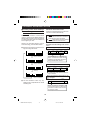
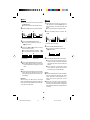
2 Press the VOLUME + or VOLUME –
button to move the cursor to the right of
the character, where you want to add a
new character.
3 Perform steps 3 - 5 in the “Disc name”
section. (pages 27 - 28)
4 Press the EDIT button.
31
* MD-MT20H FOR UK(22-42)
32
99.3.11, 2:30 PM