1
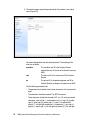
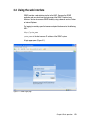
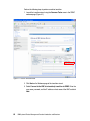
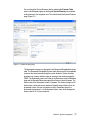
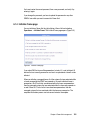
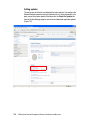
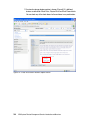
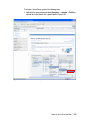
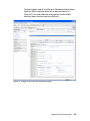
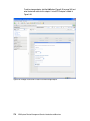
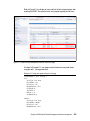
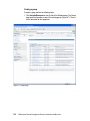
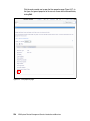
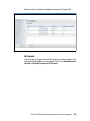
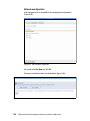
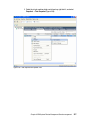
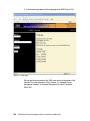
After configuring the Kerberos client, a user can be added to the SDMC by
clicking Create user account in the Welcome page (Figure 9-18 on page 224).
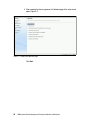
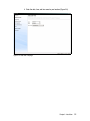
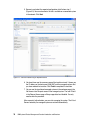
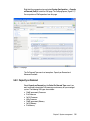
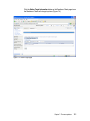
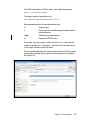
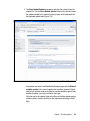
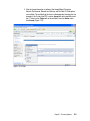
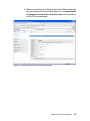
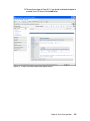
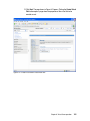
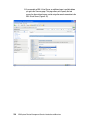
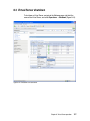
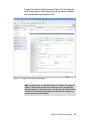
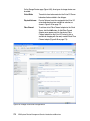
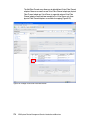
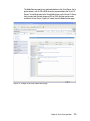
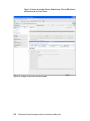
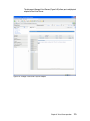
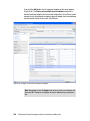
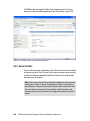
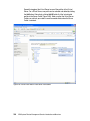
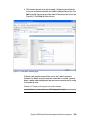
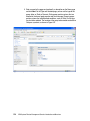
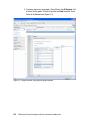
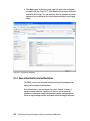
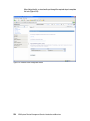
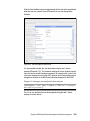
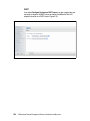
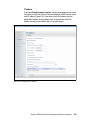
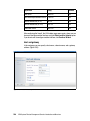
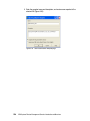
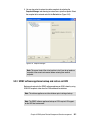
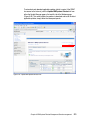
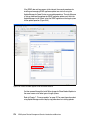
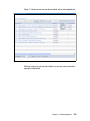
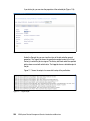
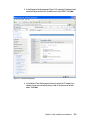
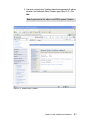
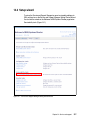
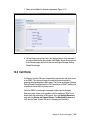
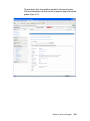
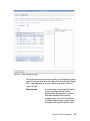
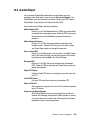
The Create User Account wizard then must be instructed to use Kerberos as
authentication method by setting the Authentication type select box to Kerberos
(Figure 9-25). Kerberos is used then for authentication only, and authorization
takes place with the values retrieved from the user registry, for example, the local
user registry in the base operating system or LDAP. Only the password is
retrieved from the Kerberos server.
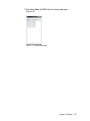
Figure 9-25 Create user account: Kerberos
Chapter 9. IBM Systems Director Management Console management
235