1
Index
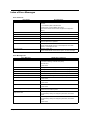
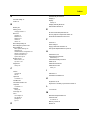
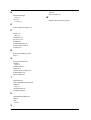
A
Disassembly Flowchart 6
Display 2
AFLASH Utility 47
display
Audio 19
hotkeys 16
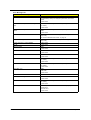
B
Display Standby Mode 32
DVD-ROM Interface 23
Battery 28
battery pack
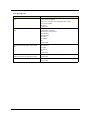
E
charging indicator 11
Environmental Requirements 32
BIOS 19
package 19
ROM size 19
ROM type 19
vendor 19
Version 19
Error Symptom-to-Spare Part Index 35
External CD-ROM Drive Check 31
F
Features 1
BIOS Setup Utility 34
Flash Utility 47
BIOS Supports protocol 20
Floppy Disk Drive Interface 21
BIOS Utility 34
Basic System Settings 39
Navigating 35
Onboard Device Configuration 42
Startup Configuration 41
System Information 35
System Security 46
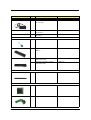
FRU (Field Replaceable Unit) List 54
H
Hard disk 19, 22
Hard Disk Drive Module
Board Layout
Disassembly 11
Hard Disk Standby Mode 32
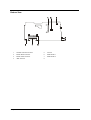
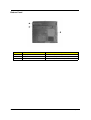
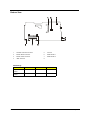
Bottom View 5, 53
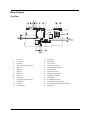
Top View 4, 52
HDD 19, 22
brightness
Hibernation Mode 32
hotkeys 16
Hibernation mode
C
hotkey 16
Cache
I
controller 20
size 20
Indicators 11
Intermittent Problems 42
caps lock
on indicator 11
CardBus 28
K
Keyboard 19, 28
CD-ROM Interface 22
Keyboard or Auxiliary Input Device Check 31
computer
on indicator 11
contrast
L
L2 cache 20
hotkeys 16
Core logic 19
CPU
core voltage 19
I/O voltage 19
package 19
type 19
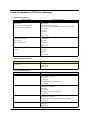
D
Index
M
Mechanical Specification 32
media access
on indicator 11
Memory Check 32
Modem 21
121