1
Watson-SHDSL-Router-GUI-Manual.doc
Version 2.3-03
Watson SHDSL Router
Web-based Management Manual
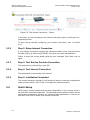
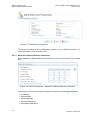
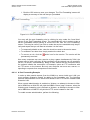
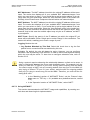
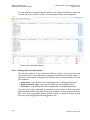
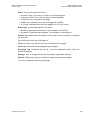
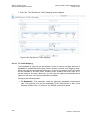
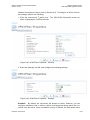
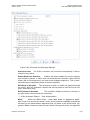
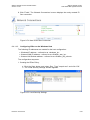
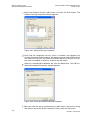
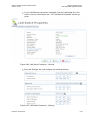
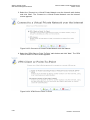
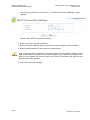
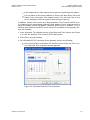
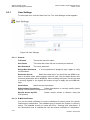
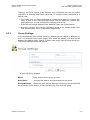
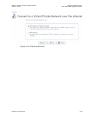
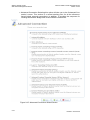
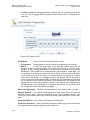
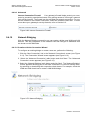
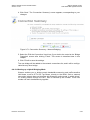
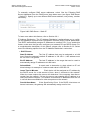
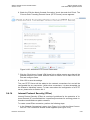
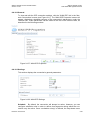
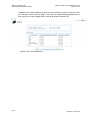
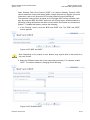
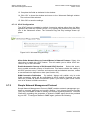
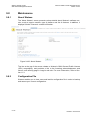
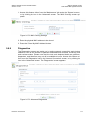
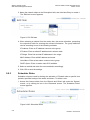
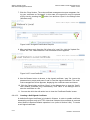
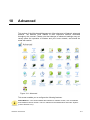
1. Access this feature either from the 'Maintenance' tab under the 'System' screen,
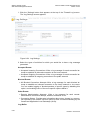
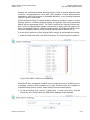
or by clicking its icon in the 'Advanced' screen. The 'Configuration File' screen
appears, displaying the complete contents of Watson's configuration file.
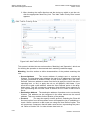
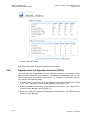
Figure 9-167: Configuration File
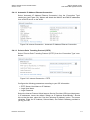
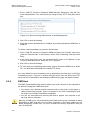
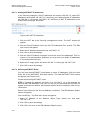
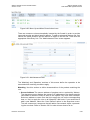
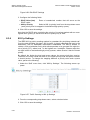
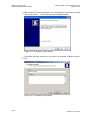
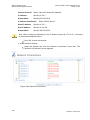
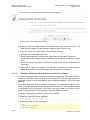
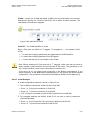
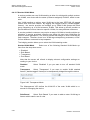
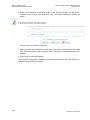
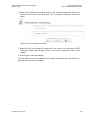
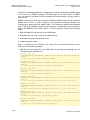
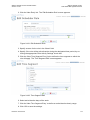
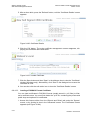
2. Press the 'Load Configuration File' button to restore your configuration from a file
and restart Watson.
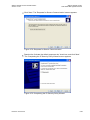
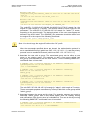
3. Press the 'Save Configuration File' button to backup your current configuration to
a file.
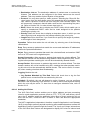
Note: Upon reboot, Watson restores the settings from its configuration file. However, if
reboot attempts fail three times consecutively, Watson will reset the configuration file
by restoring factory defaults before attempting to reboot.
9.8.3
Reboot
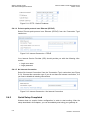
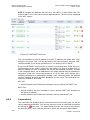
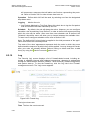
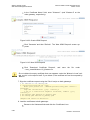
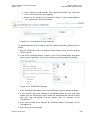
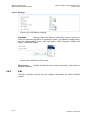
To reboot Watson:
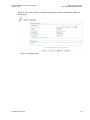
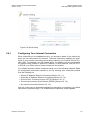
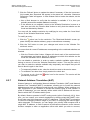
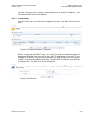
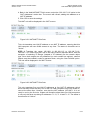
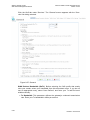
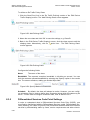
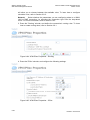
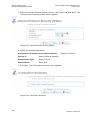
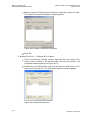
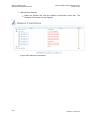
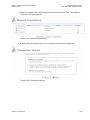
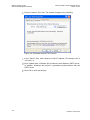
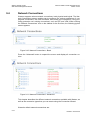
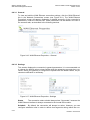
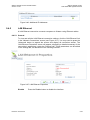
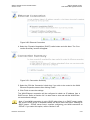
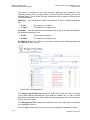
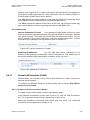
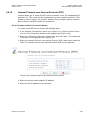
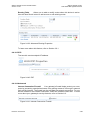
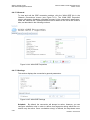
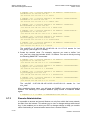
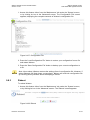
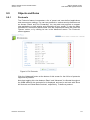
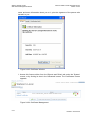
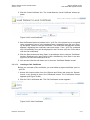
1. Access this feature either from the 'Maintenance' tab under the 'System' screen,
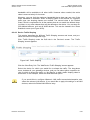
or by clicking its icon in the 'Advanced' screen. The 'Reboot' screen appears:
Figure 9-168: Reboot
Revision: 2012-02-29
9-115