1
Table of Contents
1 Names and Locations
2
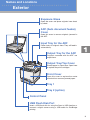
• Exterior
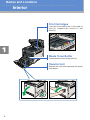
• Interior
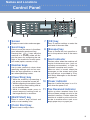
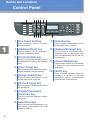
• Control Panel
3
4
5
2 Using the Copier Function
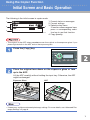
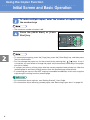
• Initial Screen and Basic Operation 7
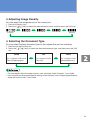
• Advanced Photocopy Settings
9
3 Using the Scanner Function
• Initial Screen and Basic Operation 12
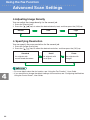
• Advanced Scan Settings
18
4 Using the Fax Function
• Initial Screen and Basic Operation for Sending a Fax 19
• Advanced Scan Settings
22
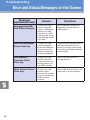
5 Troubleshooting
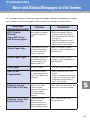
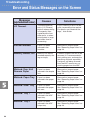
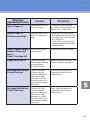
• Error and Status Messages on the Screen 23
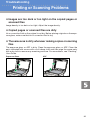
• Printing or Scanning Problems
27
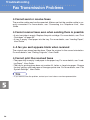
• Fax Transmission Problems
28
6 Removing Paper Jams
•
•
•
•
•
7 Print Cartridges
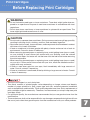
• Before Replacing Print Cartridges 37
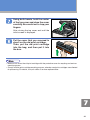
• Replacing Print Cartridges
38
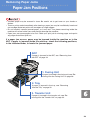
Paper Jam Positions
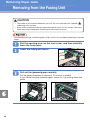
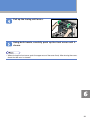
Removing from the Fusing Unit
Removing from the Tray
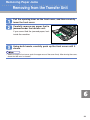
Removing from the Transfer Unit
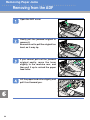
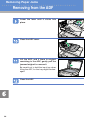
Removing from the ADF
29
30
32
33
34