1
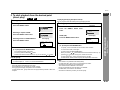
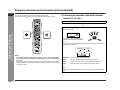
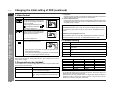
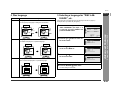
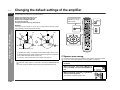
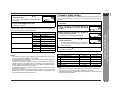
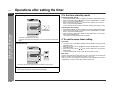
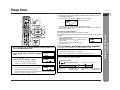
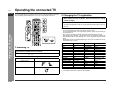
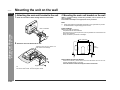
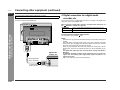
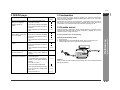
Connecting other equipment (continued) SD-PX2 ENGLISH Digital connection to a digital audio recorder, etc. Turn off the other equipment before making this connection. An optical digital cable is not supplied. Purchase an optional optical digital cable. You can record sound on a digital audio recorder by connecting to the digital audio output jack using an optical digital cable. BITSTREAM For 5.1 channel Dolby Digital/DTS surround processors, etc. D-PCM For 2 channel digital input amplifiers, etc. To record sound on a digital audio recorder: - Connecting other equipment - Advanced Features When connecting a digital audio recorder to the digital audio output jack, set the " DIGITAL" to "D-PCM" (see page 39). Turn the power on and press the Notes: Digital audio recorder, etc. Optical digital cable (option: AD-M3DC) To optical digital audio input jack E-57 button. z Some discs are copy protected and digital recording is not possible (including DTS signals). z The digital audio output jack sends signals coming from a DVD/CD, the digital audio TV input jack, and digital audio input jack. Signals from the tuner, audio TV input jacks and the audio VCR input jacks are not sent. z When you play DVD-Video discs with Linear PCM sound recorded at a 96 kHz sampling rate, sound may be sampled at 96 kHz (or 48 kHz depending on the disc). z The digital audio output jack does not send signals coming from SACD or MP3 discs. z In DVD-Audio playback, the digital audio output jack does not send some signals. Also, the sampling rate of digital audio signals may reduce or no signals may be sent. z Plug in each cable fully to prevent noise interference.