1
Touch Panel Instructions – Massey Albany VLT Room
QUICK REFERENCE GUIDE
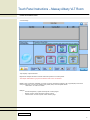
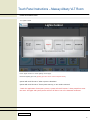
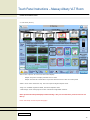
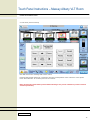
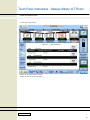
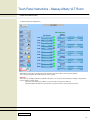
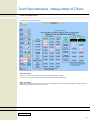
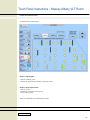
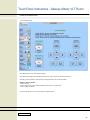
2.1. AV Menu
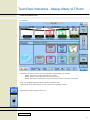
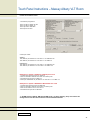
Select the source first and then select the destination (Display/Audio) for switching.
Output “Projector” to display selected source’s video
Output “Audio” to hear audio from selected audio source
Output “Preview On Control Panel” to preview selected source’s video on Control panel
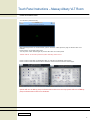
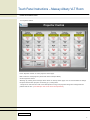
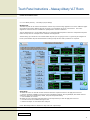
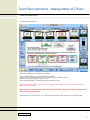
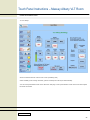
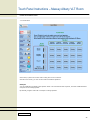
*Plug-in 2: Available signals are HDMI, VGA and Composite Video.
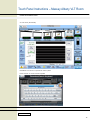
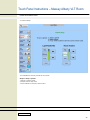
*”Hide Image” under each projector screen controls the image blank function.
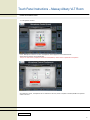
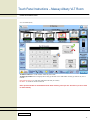
Adjust audio level for selected audio source.
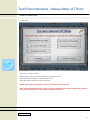
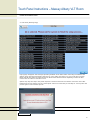
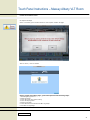
Internal use only
3