1
Touch Panel Instructions – Massey Albany VLT Room
QUICK REFERENCE GUIDE
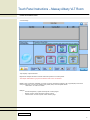
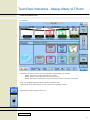
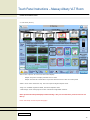
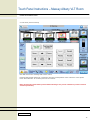
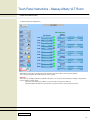
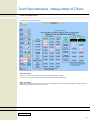
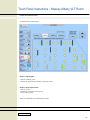
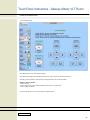
2. Home Page
Top: Display output selection.
Right Side: Output selection of Audio and Video preview on control panel.
The output destination is greyed out until the first source is selected.
Middle: Source selection available on Lectern sources (Resident Computer, Blu-ray/DVD/CD, Document
Camera and Plug-in source for Display Port, HDMI, VGA, and Composite Video.
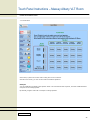
“Select VLT” to enter VLT mode.
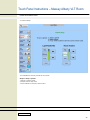
Bottom:
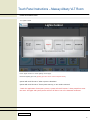
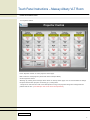
Access Microphone, Lights and Projector control pages.
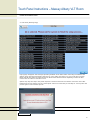
Expert mode to enter advanced system control.
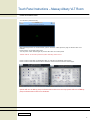
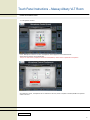
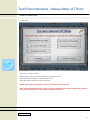
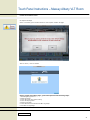
“Room Reset” to enter system reset confirm page.
Internal use only
2