1
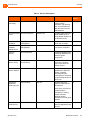
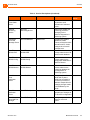
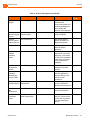
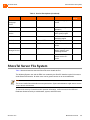
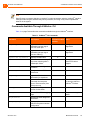
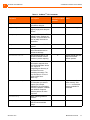
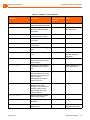
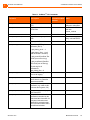
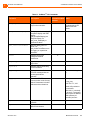
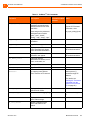
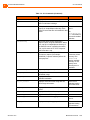
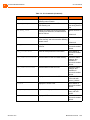
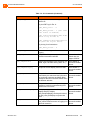
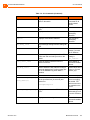
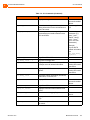
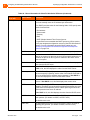
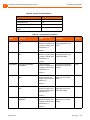
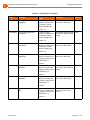
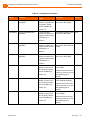
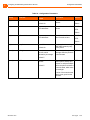
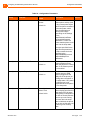
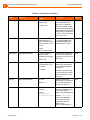
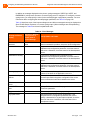
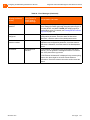
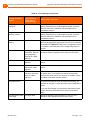
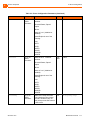
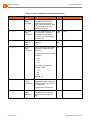
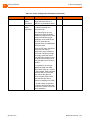
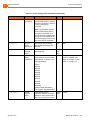
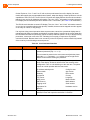
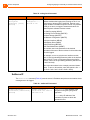
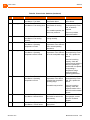
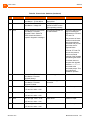
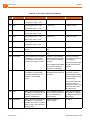
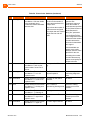
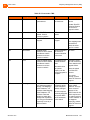
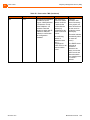
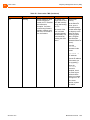
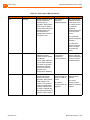
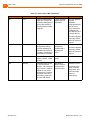
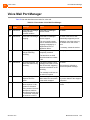
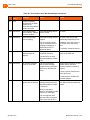
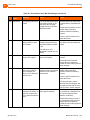
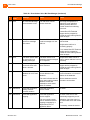
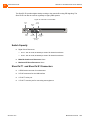
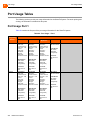
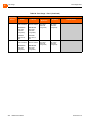
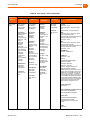
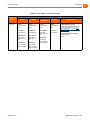
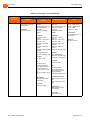
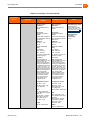
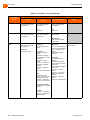
5 Configuring and Maintaining 400-Series IP Phones Specifying Configuration Parameters on a Phone 4. Do one of the following: On the IP420, press #. On the IP480, IP480g, and IP485g, press the OK soft key. The Admin Options menu opens. 5. Use the navigation key pad and the selector button to open the submenus necessary to configure parameters as follows: If you are not using a DHCP server to provide an IP address, enter the following information: Internet protocol > Use DHCP (Toggle to Off.) Internet protocol > IPv4 address (Enter the static IP address of the phone.) Internet protocol > Subnet mask (Enter the static IP subnet mask of the phone.) Internet protocol > Gateway (Enter the static IP gateway.) Internet protocol > SNTP server (Enter the IP address of the time server.) If you are not using DHCP to provide configuration parameters, in the Services > Config server field enter the IP address of the ShoreTel configuration server. For descriptions of these parameters, see Table 20 on page 130. 6. With the appropriate submenu highlighted, do one of the following: On the IP420, press the selector button on the navigation key pad. On the IP480, IP480g, and IP485g, press the Edit soft key. 7. To return to the previous menu, do one of the following: On the IP420, scroll down to the Back option and press the selector button on the navigation key pad until you return to the top-level menu. On the IP480, IP480g, and IP485g, press the Back soft key until you return to the top-level menu. 8. To apply the changes, do one of the following: On the IP420, with Exit highlighted press the selector button on the navigation key pad. On the IP480, IP480g, and IP485g, press the Apply soft key. Tip On IP480, IP480g, and IP485g phones, to exit the menu and apply changes, press and hold the Back soft key for 2 seconds. The phone reboots and applies settings. Entering SETUP from the Key Pad 1. With the phone on hook, press the MUTE key followed by 73887# (SETUP#). 2. Go to step 3 in Entering SETUP at Bootup on page 128, and proceed with the steps there. ShoreTel 14.2 Doc Type 129