1
3
3-1
Chapter 3:
Printing the
First Page
Connecting the printer to an AC outlet
This chapter provides information about:
• Connecting the printer to an AC outlet
• Turning the printer on or off
• Loading the paper cassette
• Printing pages on the printer
• Adjusting the side margin
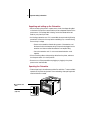
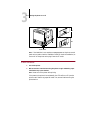
N OTE : In many of the illustrations in this chapter, the optional paper feeder unit is
included. If you do not have the optional paper feeder unit installed, your printer
will not look exactly like the illustrations.
Connecting the printer to an AC outlet
!
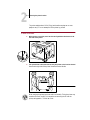
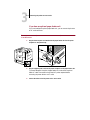
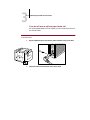
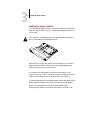
Before plugging the printer into an AC outlet, make sure the rating indicated on
the printer matches the voltage of the AC outlet. If the voltage label is missing or
you are not sure of the type of power available, contact an authorized dealer, local
power company, or the place of purchase. Make sure the power switch is turned
off (that is, the switch is not pressed in).
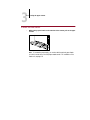
Operation of the printer should always be supervised by a responsible adult. To
avoid injury, do not allow children access to the interior of any electrical product
and do not let them touch any electrical contacts or gears that are exposed.
This document was created with FrameMaker 4.0.4