1
iTunes U Guidelines
Creating your course
2
Getting started
To get started, sign in to iTunes U Course Manager using your Apple ID. If you don’t have
an Apple ID, visit My Apple ID to create one.
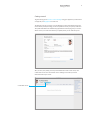
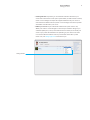
The first time you log in to iTunes U Course Manager, you’ll be prompted to enter information about yourself, including your bio and photo as well as your primary institution.
This profile information will automatically populate the Instructor page of your courses.
All the courses you create will reference your profile, which you can edit at any time.
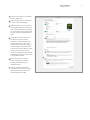
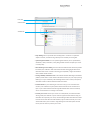
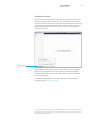
After you save your profile, you’ll see your dashboard. To create a new course, click
Create New Course. You’ll see the New Course Settings screen where you enter
information about your course.
Create New Course