1
510152.qxd
11/16/01
10:33 AM
Page 11
TOC
INDEX
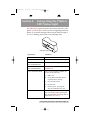
D. PRINTING A SELF TEST
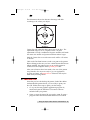
Now that the printer is set up and print supplies are loaded, a
self test should be performed to check for proper operation of
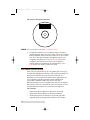
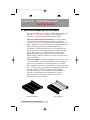
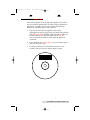
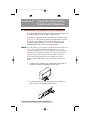
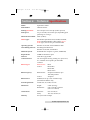
the printer. A sample of the self-test print is shown below.
Refer to the following steps to run a self test:
1.
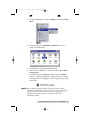
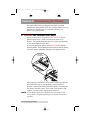
If power has already been applied, remove it by
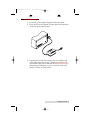
unplugging the power plug on the rear panel of the printer.
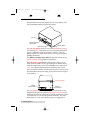
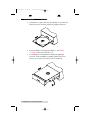
The LED status light should be OFF. Verify that a ribbon is
loaded and that a CD has been placed in the CD Tray.
Also, disconnect the interface cable from the printer if
connected.
2.
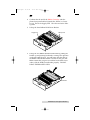
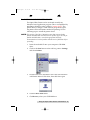
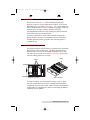
Press and hold the CD Tray button as you insert the power
plug into the power jack.
3.
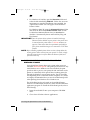
Continue to hold the CD Tray button down for a few
seconds, until you hear the self-test begin to print.
Ink Ribbons and Optical Media 11