1
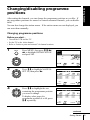
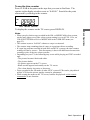
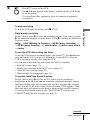
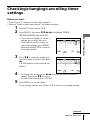
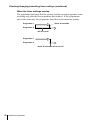
You can change the on-screen display language from the one you selected with the
Auto Set Up function.
Before you start…
Getting Started
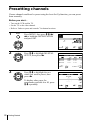
Selecting a language
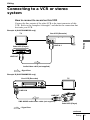
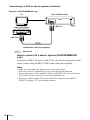
• Turn on the VCR and the TV.
• Set the TV to the video channel.
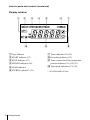
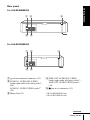
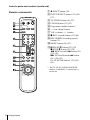
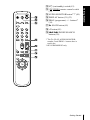
• Refer to “Index to parts and controls” for button locations.
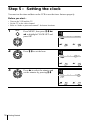
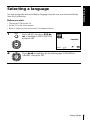
1
MENU
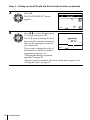
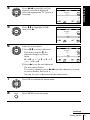
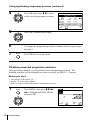
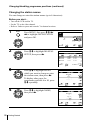
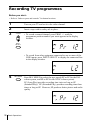
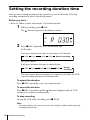
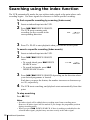
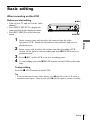
Press MENU, then press M/m/</
, to highlight LANGUAGE SET
and press OK.
ENGLISH
PLAY
OK
MENU :
2
PLAY
:
OK :
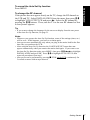
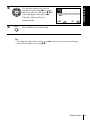
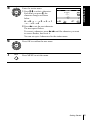
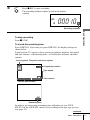
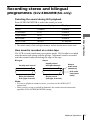
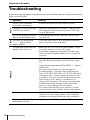
Press </, to highlight the desired language, ENGLISH or
ARABIC, then press OK.
OK
Getting Started
21