1
7
EASY TIMER
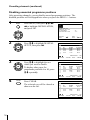
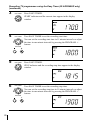
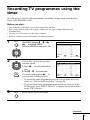
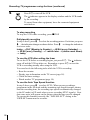
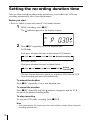
Press EASY TIMER.
The programme position or LINE input appears in the display
window.
8
EASY TIMER
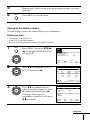
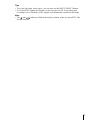
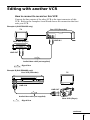
Turn EASY TIMER to set the programme position.
INPUT
SELECT
To record from other equipment connected to one or more of the
LINE inputs, turn EASY TIMER or press INPUT SELECT to
display the connected line in the display window.
9
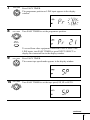
EASY TIMER
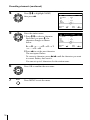
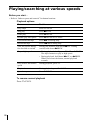
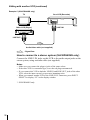
Press EASY TIMER.
The current tape speed mode appears in the display window.
10
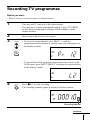
EASY TIMER
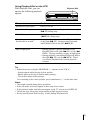
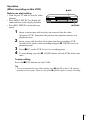
Turn EASY TIMER to set the tape speed, SP, LP or AUTO.
continued
21