1
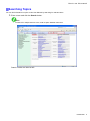
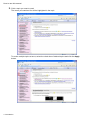
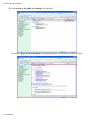
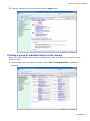
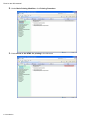
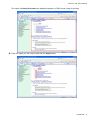
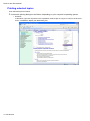
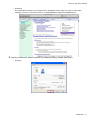
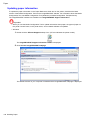
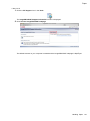
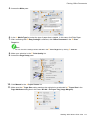
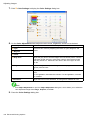
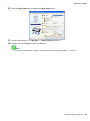
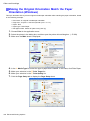
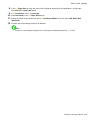
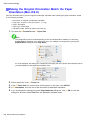
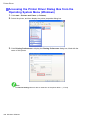
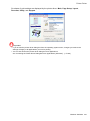
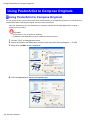
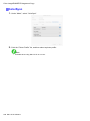
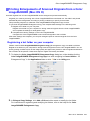
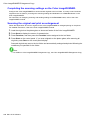
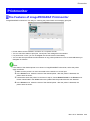
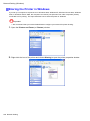
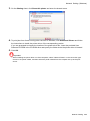
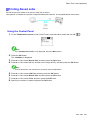
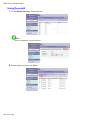
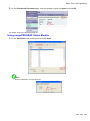
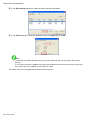
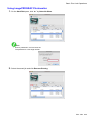
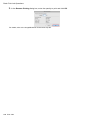
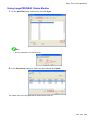
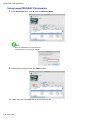
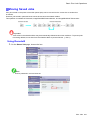
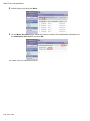
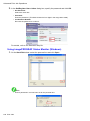
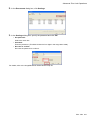
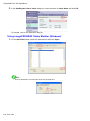
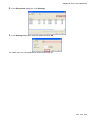
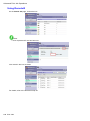
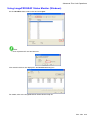
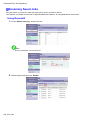
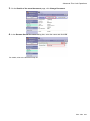
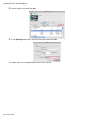
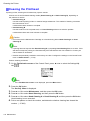
Network Setting (Windows) Sharing the Printer in Windows If you set up a computer as a print server in Windows 2000, Windows XP, Windows Server 2003, Windows Vista, or Windows Server 2008, the computer can receive print jobs sent from other computers (clients) connected to it for printing. This topic describes how to share the printer in Windows. Important • We recommend that your network administrator congure your network for printer sharing. 1. Open the Printers and Faxes (or Printers) window. 2. Right-click the icon of this printer and choose Sharing to open the printer properties window. 584 Network Setting