1
Chapter 2 — Understanding Windows Mobile
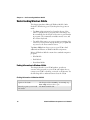
To open ActiveSync on your CV30
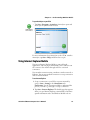
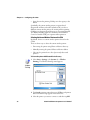
• Tap Start > Programs > ActiveSync. ActiveSync opens and
shows you the synchronization status.
For more information about ActiveSync on the CV30, switch to
ActiveSync, tap Start > Help, and then select a topic.
Using Internet Explorer Mobile
You can use Internet Explorer Mobile to run web-based
applications, and view pages downloaded to the CV30. You can
also connect to the internet through an ISP or a network
connection.
You can make connections using a modem, a wireless network, or
Ethernet. You can use a modem connection to set up connections
with an external modem.
To use Internet Explorer
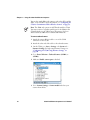
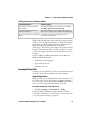
1 Set up a connection to your ISP or corporate network by
going to Start > Settings > the Connections tab >
Connections. Use the Connections Help to understand the
process you need to go through to set up a connection.
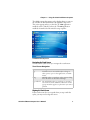
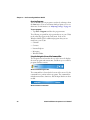
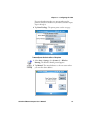
2 Tap Start > Internet Explorer. The default page that appears
when you open Internet Explorer contains links to Intermecspecific information and to the Windows Mobile web site.
CV30 Fixed Mount Computer User’s Manual
27