1
ÂÂ Setup Mode
Function
English
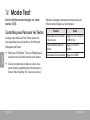
Enter the Setup mode to set your player’s system options.
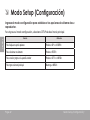
To enter Setup mode, select SETUP in the Main menu.
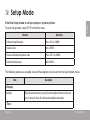
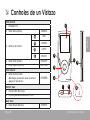
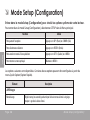
Key Action
To browse through the options
Press <UP> or <DOWN>
To select an item
Press <ENTER>
To cancel and return to the previous screen
Press <LEFT> or <MENU>
To return to the Main menu
Hold <MENU>
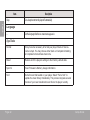
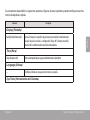
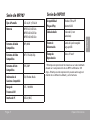
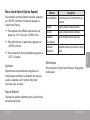
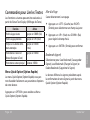
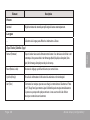
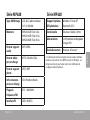
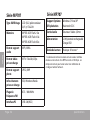
The following options are available. Some of these options may be set from the Quick Option menus.
Item
Description
Display
Backlight
Adjust the duration of time (in seconds) that the backlight will remain on after a key
press. A setting of “Always On” will keep the backlight on continuously.
Time
Page 23
Setup Mode