1
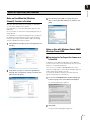
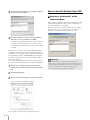
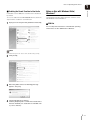
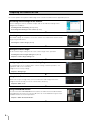
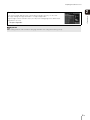
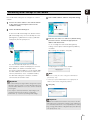
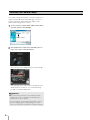
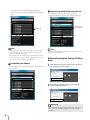
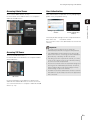
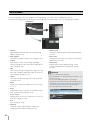
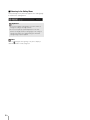
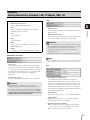
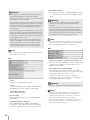
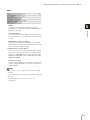
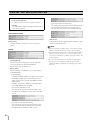
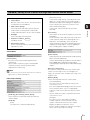
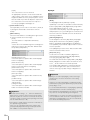
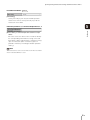
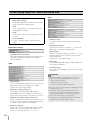
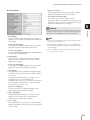
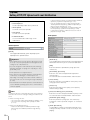
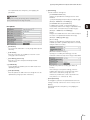
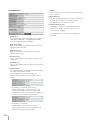
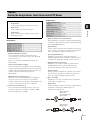
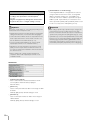
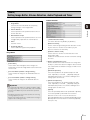
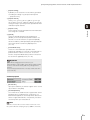
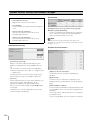
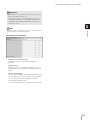
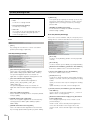
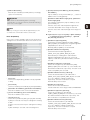
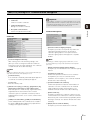
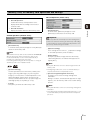
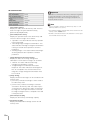
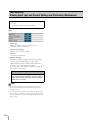
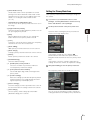
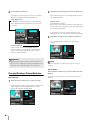
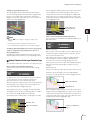
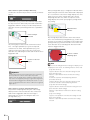
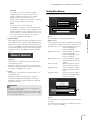
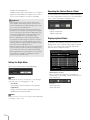
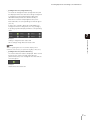
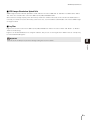
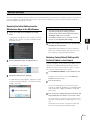
3 If selected, clear the [Require server verification (https:) for all sites in this zone] checkbox. Notes on Use with Windows Server 2008 Registering “about:internet” and the Camera Host Name Admin Viewer and Admin Tools will not start when IE ESC (Internet Explorer Enhanced Security Configuration) is enabled in Windows Server 2008. Before using the tools, register “about:internet” and the host name for the connected camera in the Internet Explorer “local intranet” and “trusted sites” lists. 4 Enter the IP address of the camera under [Add this Web site to the zone], and then click [Add]. For details on registering trusted sites, click the [Learn more about Internet Explorer's Enhanced Security Configuration] in the dialog box in step 1 and read the overview. Note that even when the content block dialog box does not appear, JavaScript is sometimes disabled under the standard security settings, which may limit operations on the setting page and the VB-M700/600 Viewer. Register the page as a trusted site as this automatically enables JavaScript settings. If the content block dialog box does not appear, follow the procedure below to display the [Trusted Sites] dialog box. 1 Click [Tools] > [Internet Options] from the Internet Explorer menu to display the [Internet Options] dialog box. 2 Click the [Security] tab. 3 Click and select [Trusted sites], and then click [Sites]. The [Trusted sites] dialog box appears. This completes the trusted site registration process. 1 -10 Important When “about:internet” is registered, the security level in Windows 7 is the same as when using Internet Explorer. After using the Admin Viewer/Admin Tools, it is recommended that you remove “about:internet” and the camera name as necessary and restore the original security level.