1
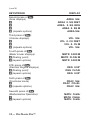
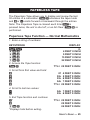
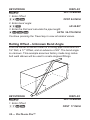
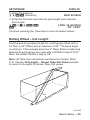
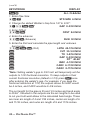
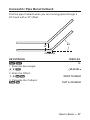
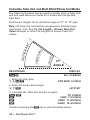
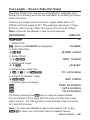
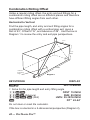
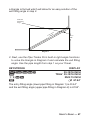
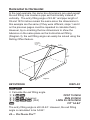
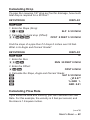
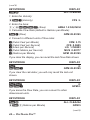
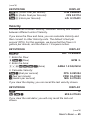
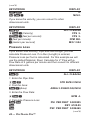
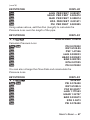
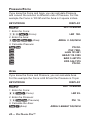
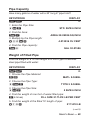
Using the PIPE TRADES Pro Pipe Material Key The Pipe Material key lets you choose a pipe material, which defines the available sizes and surface roughness used by the calculator. See Appendix A on page 53 for more information. The default material for the Pipe Trades Pro is Steel, but the user can choose from material types as shown. KEYSTROKE (Steel) (Stainless Steel) (Brass) (Aluminum) (Cast Iron) (Plastic) (Copper) DISPLAY 0. MATL StEEL MATL S.StEEL MATL brASS MATL AL. MATL CASt MATL PLAStIC MATL COPPEr The last material setting displayed is selected, and the calculator will retain your setting even after the power has been turned off. Once a material is selected, you can easily toggle through the available types (Schedules, etc.) using the Pipe Type function ( ). Available types of pipe are dependent upon the material setting. Keystrokes below show the pipe types available for Plastic (press until “PLAStIC” is shown in the display). KEYSTROKE DISPLAY 0. MATL PLAStIC (Schedule 40) Type 40 PLAStIC (cont'd) User’s Guide — 27