1
(Cont’d)
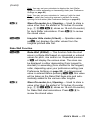
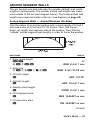
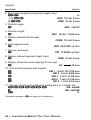
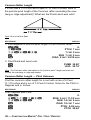
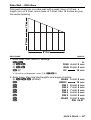
Note: You may set your calculator to display the Jack Rafter
lengths in either ascending or descending order (see Preference
Settings on page 83).
Note: You may set your calculator to “mate up” with the Jack
Rafters, rather than using the entered or default On-center
spacing for both sides (see Preference Settings on page 83).
ß5
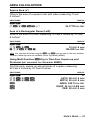
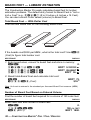
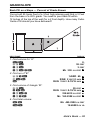
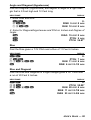
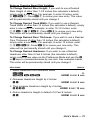
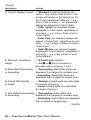
Store On-center (o.c.) Spacing — Used to store a
value other than the default of 16 Inches On-center
(e.g., 1 8 i ß 5 stores an 18-inch On-center)
for Jack Rafter calculations. Press ® 5 to review
the stored value.
Çj
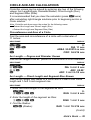
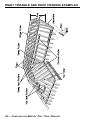
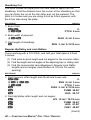
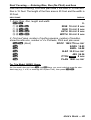
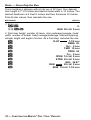
Irregular Side Jacks (Ir/Jack) — Operates same
as j, but displays the rafter values from the
Irregular pitched side first.
Rake-Wall Function
Çr
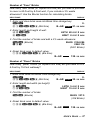
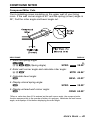
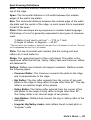
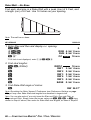
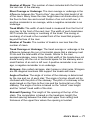
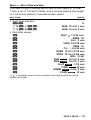
Rake-Wall (R/Wall) — This function finds the stud
sizes in a Rake-Wall based on calculated or entered
values for pitch, rise and/or run. Repeated presses
of r will display the various sizes. The sizes can
be displayed in either descending (from longest to
shortest) or ascending (from shortest to the longest)
order, depending upon your preference setting (see
Preference Settings on page 83). If a dimensional
value is entered before pressing Ç r, this value
will be taken as the Rake-Wall base size and automatically added to the various rafter lengths.
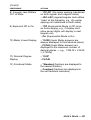
ß5
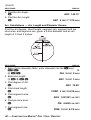
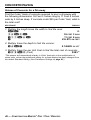
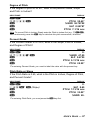
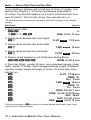
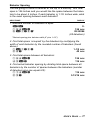
Store On-center (o.c.) Spacing — Used to store a
value other than the default of 16 Inches On-center
(e.g., 1 8 i ß 5 stores an 18-inch On-center)
for Rake-Wall stud calculations. Press ® 5 to
review the stored value.
USER’S GUIDE — 13