1
44
Part II
Entering Your Data
Attorney
VALE 2000 ships with no default set for attorney. If you do most of your work for one
attorney, you may find it helpful to use his or her name as the default value for this field
on the Case Data form. To select a default attorney, click on the arrow to the right of the
field and select an attorney from the drop down list that appears. If the name you want to
use does not appear on the list, you can use the Maintenance feature to add the name to
your Attorneys table, and then it will be available to you on this list. (See page 39 for
information about adding a new attorney.)
Consultant
This default operates in the same manner as the Attorney default.
Case Comments and Scenario Comments
You can use these to add default comments for your cases or scenarios if desired.
Client ID Tab
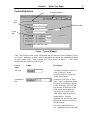
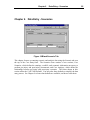
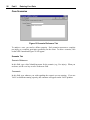
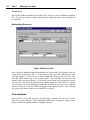
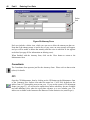
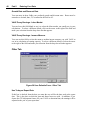
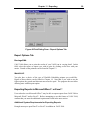
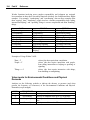
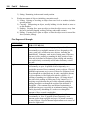
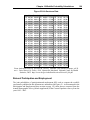
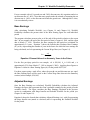
Figure 33 User Defaults Form - Client ID Tab
Education Level
VALE 2000 ships with a default value of Non-Specific. If you do most of your work with
clients at a specific education level, you may find it helpful to use this level as the default
value for this field on the Worklife form. To select a default education level, click on the
arrow to the right of the field and select the level from the drop down list that appears.