1
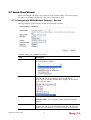
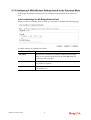
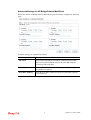
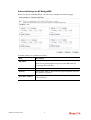
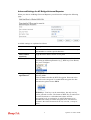
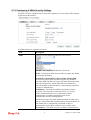
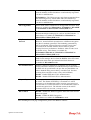
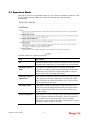
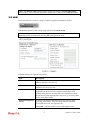
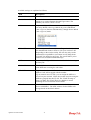
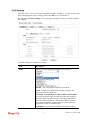
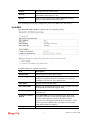
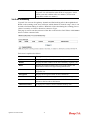
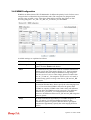
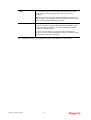
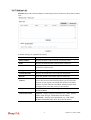
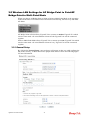
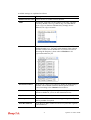
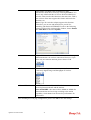
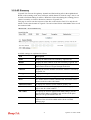
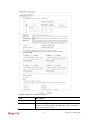
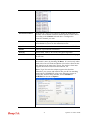
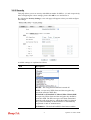
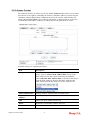
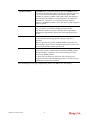
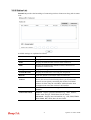
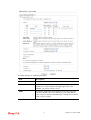
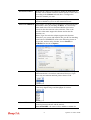
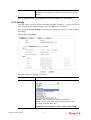
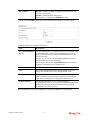
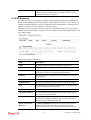
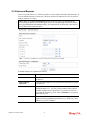
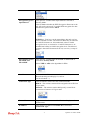
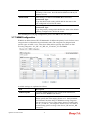
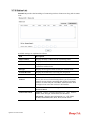
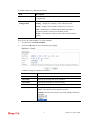
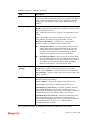
Available settings are explained as follows:
Item
Description
Enable Wireless LAN
Check the box to enable wireless function.
Enable Limit Client
Check the box to set the maximum number of wireless stations
which try to connect Internet through Vigor router. The
number you can set is from 3 to 64.
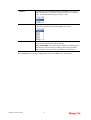
Mode
At present, VigorAP 710 can connect to 11b only, 11g only,
11n only, Mixed (11b+11g), Mixed (11g+11n) and Mixed
(11b+11g+11n) stations simultaneously. Simply choose Mixed
(11b+11g+11n) mode.
61
VigorAP 710 User’s Guide