1
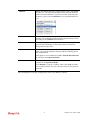
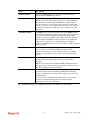
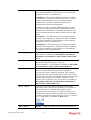
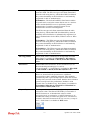
Authentication
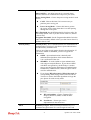
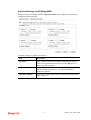
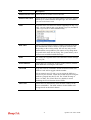
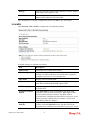
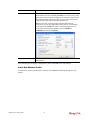
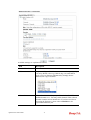
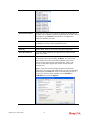
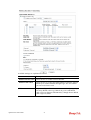
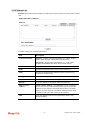
Display the authentication type that the scanned AP applied.
Scan
It is used to discover all the connected AP. The results will be
shown on the box above this button
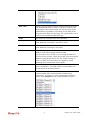
Channel Statistics
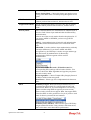
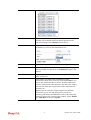
It displays the statistics for the channels used by APs.
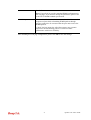
AP’s MAC Address
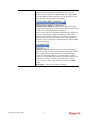
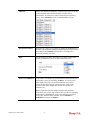
If you want the found AP applying the WDS settings, please
type in the AP’s MAC address.
AP’s SSID
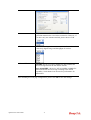
To specify an AP to be applied with WDS settings, you can
specify MAC address or SSID for the AP. Here is the place
that you can type the SSID of the AP.
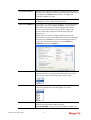
Add
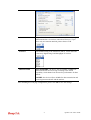
Click Repeater for the specified AP. Next, click Add. Later,
the MAC address of the AP will be added and be shown on
WDS settings page.
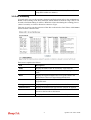
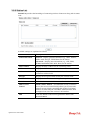
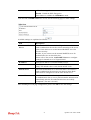
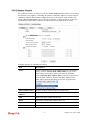
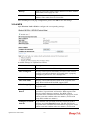
3.8.6 WDS AP Status
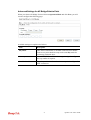
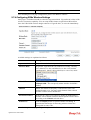
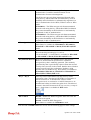
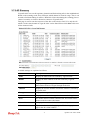
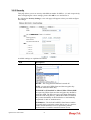
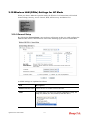
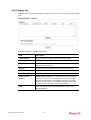
VigorAP 910C can display the status such as MAC address, physical mode, power save and
bandwidth for the working AP connected with WDS. Click Refresh to get the newest
information.
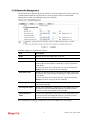
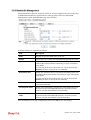
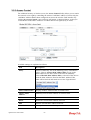
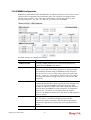
3.8.7 WMM Configuration
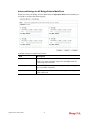
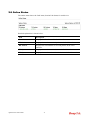
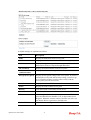
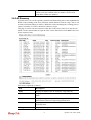
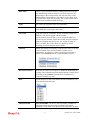
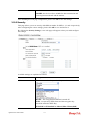
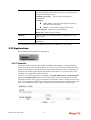
WMM is an abbreviation of Wi-Fi Multimedia. It defines the priority levels for four access
categories derived from 802.1d (prioritization tabs). The categories are designed with
specific types of traffic, voice, video, best effort and low priority data. There are four
accessing categories - AC_BE , AC_BK, AC_VI and AC_VO for WMM.
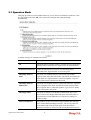
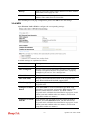
Available settings are explained as follows:
VigorAP 910C User’s Guide
88