1
Numeric Entry
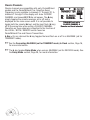
Several menu items require a number or value to
be entered. Numeric entry is performed with
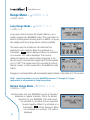
A B C D and ▲▼ keys. The A B C D keys
each select and add 1 to a specific digit as follows:
A – selects and adds 1 to the 4th digit from the right
B – selects and adds 1 to the 3rd digit from the right
C – selects and adds 1 to the 2nd digit from the right
D – selects and adds 1 to the rightmost digit
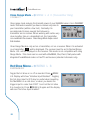
Once a digit has been selected, use the ▲▼ keys
to adjust the number. Press and hold ▲▼ for
faster entry.
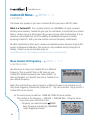
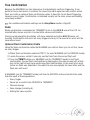
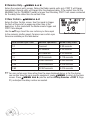
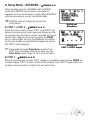
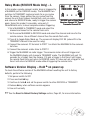
Example 1: Numeric Entry
Numbers entered in this fashion are saved when
the /MENU key is pressed and will remain
saved even after power is turned off. If the unit
is powered off while a numeric entry screen is
displayed, the displayed number will not be saved.
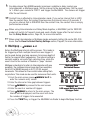
can also be used in Numeric Entry. In some
N Lcases,
D and L select the same digit.
perform a Lag Time Measurement, use
☞ To
Equalize Mode (see Page 34) which requires
that the MultiMAX be set for RECEIVE.
Î To quickly get to the lowest setting press and
release the A key once (selects the highest
digit) then press and hold the ▼ key.
24
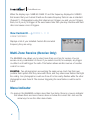
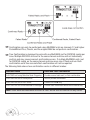
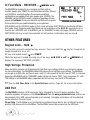
Example 2: Numeric Entry