1
Configuring the Avaya 1165E IP Deskphone
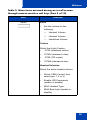
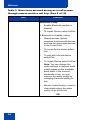
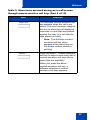
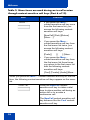
Selecting the date and time format
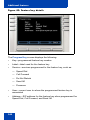
Several date and time formats are available. Formats are based on the
12-hour and 24-hour clocks.
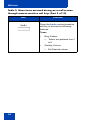
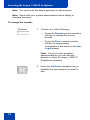
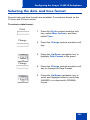
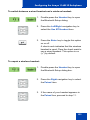
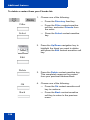
To select a date format:
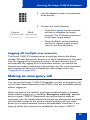
Prefs
Change
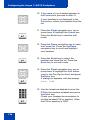
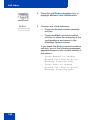
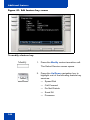
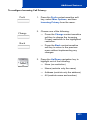
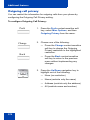
1. Press the Prefs context-sensitive soft
key, select Misc Options, and then
select Time.
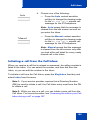
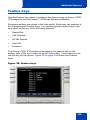
2. Press the Change context-sensitive soft
key.
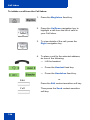
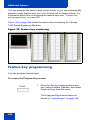
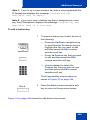
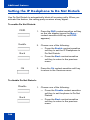
3. Press the Up/Down navigation key to
highlight Date Format in the menu.
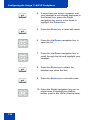
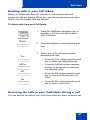
Change
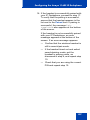
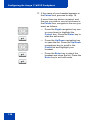
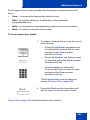
4. Press the Change context-sensitive soft
key to change the Date Format.
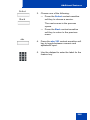
5. Press the Up/Down navigation key to
scroll and highlight either a month/day
(MM/DD) or a day/month (DD/MM)
format.
101