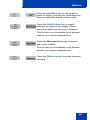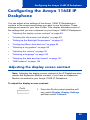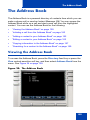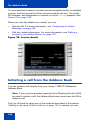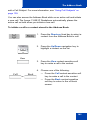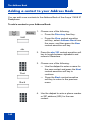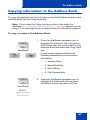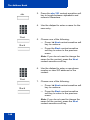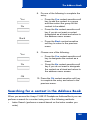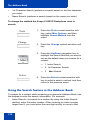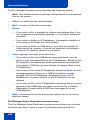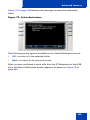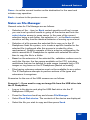
1
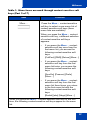
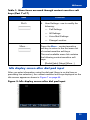
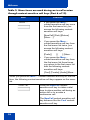
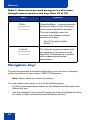
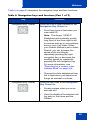
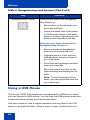
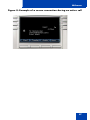
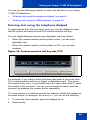
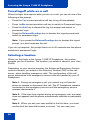
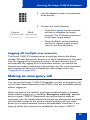
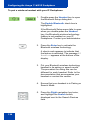
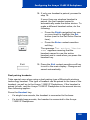
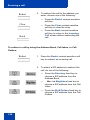
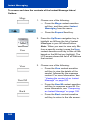
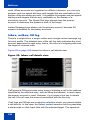
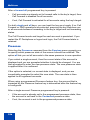
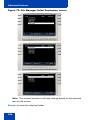
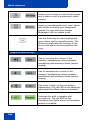
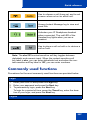
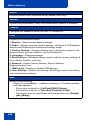
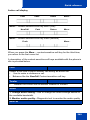
While on an active call
toVMt
Backt
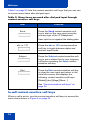
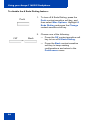
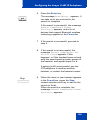
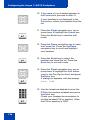
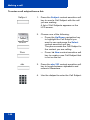
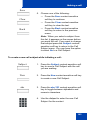
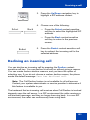
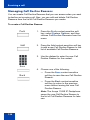
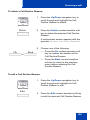
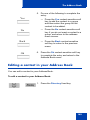
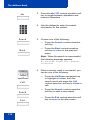
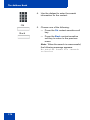
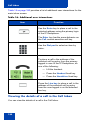
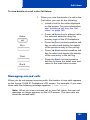
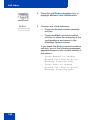
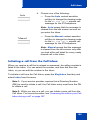
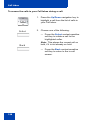
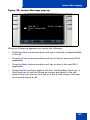
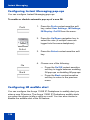
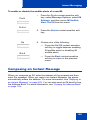
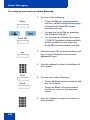
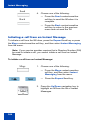
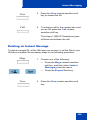
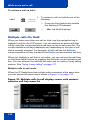
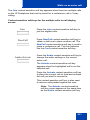
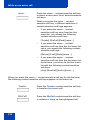
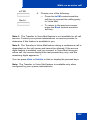
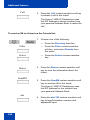
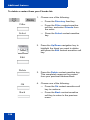
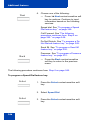
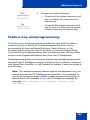
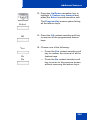
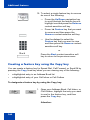
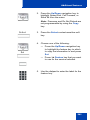
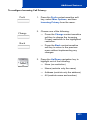
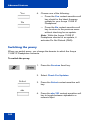
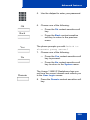
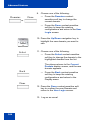
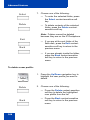
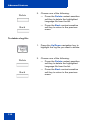
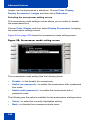
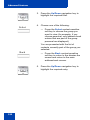
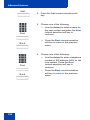
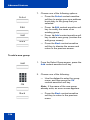
4. Choose one of the following:
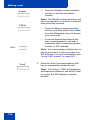
— Press the toVM context-sensitive
soft key to connect the calling party
to Voice Mail.
— To return to the previous screen,
press the Back context-sensitive
soft key.
Note 1: The Transfer to Voice Mail feature is not available for all call
servers. Contact your system administrator or service provider to
determine if this feature is available to you.
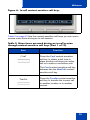
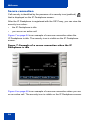
Note 2: The Transfer to Voice Mail feature during a conference call is
dependent on the call server and cannot be allowed. If the secure
digits feature is enabled, and you connect to Voice Mail during an
active call, the screen displays the last pressed key only, and the
remaining digits appear as ‘*’.
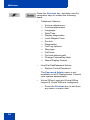
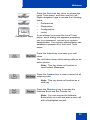
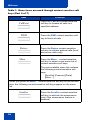
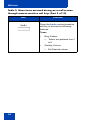
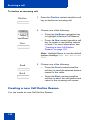
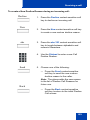
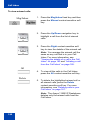
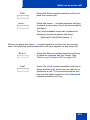
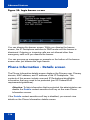
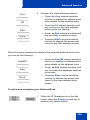
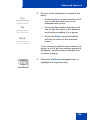
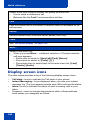
You can press Hide or Unhide to hide or display the pressed keys.
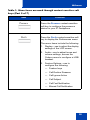
Note: The Transfer to Voice Mail feature is available only when
configured by your system administrator.
227