1
HP NonStop Shadowbase Command Definitions
Database Specification Command Descriptions
replicating to an HP Shadowbase Other Servers. However, like
with other open targets, you may need to set the DBS PATHNAME
parameter. See the 3.990 open softdoc for more information about
configuring a pulse file.
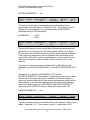
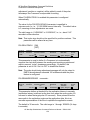
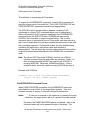
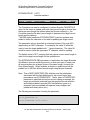
The PULSEFILE parameter can’t be altered for the DBS object.
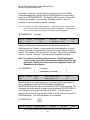
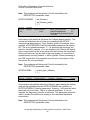
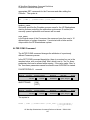
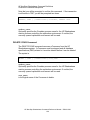
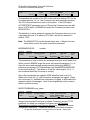
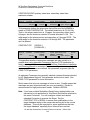
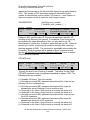
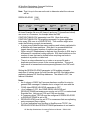
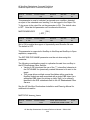
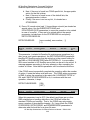
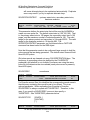
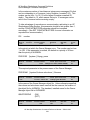
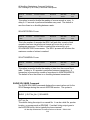
PULSEFILEPURGE
Initial
Version
3.990
Changed
Version
{ ON }
{ OFF }
Values Default
OFF
Minimum
OFF
Maximum
ON
Alter
No
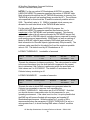
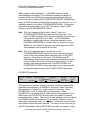
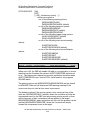
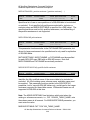
This parameter was added to support the pulse feature. It is used to
indicate that AUDMON should purge the related pulse file if it already
exists at startup. By default, PULSEFILEPURGE is set to OFF. To
configure this, set PULSEFILEPURGE ON. The PULSEFILEPURGE
parameter can’t be altered after a CAPTURE command has been issued
for the DBS object.
Note: That you also must configure the SBPULSEFILEPURGE TACL
parameter to 1 (ON) before starting AUDMON if you set any DBS
objects with PULSEFILEPURGE ON (i.e., both are required). By
default this feature is turned off (value is zero). See the HP
NonStop Shadowbase Operations Manual for details on the
SBPULSEFILEPURGE TACL parameter.
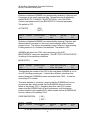
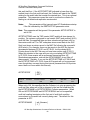
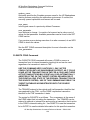
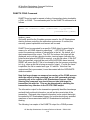
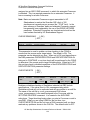
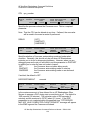
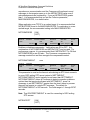
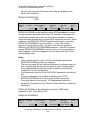
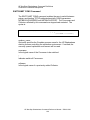
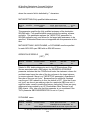
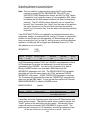
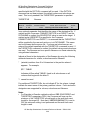
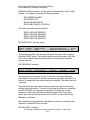
PURGEDATAS
Initial
Version
3.990
Changed
Version
5.002
{ ON }
{ OFF }
Values Default
OFF
Minimum
OFF
Maximum
ON
Alter
No
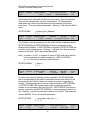
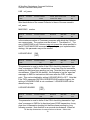
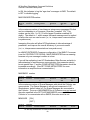
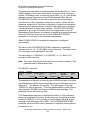
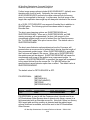
This parameter is used to define if Enscribe and SQL/MP purgedata
events are to be replicated to the target. By default, this parameter is set
to OFF. Set it to ON to enable the feature. The PURGEDATAS
parameter can’t be altered after a CAPTURE command has been issued
for the DBS object.
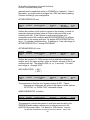
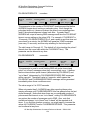
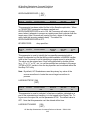
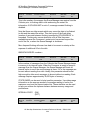
Important note if you are using bi-directional replication and you have
user exits that process SQL/MP DDL events:
Because file and table partitions may be split across multiple Consumer
processes, HP Shadowbase has been enhanced to coordinate all alter,
create, purge, and purgedata DDL events, such that all Consumer
HP NonStop Shadowbase Command Reference Manual—785421-002
252