1
10. AMI BIOS Configuration
¾
PCI-759 – User’s Guide (V1.02)
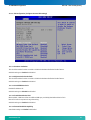
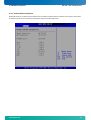
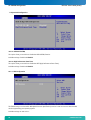
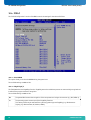
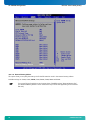
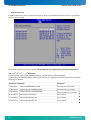
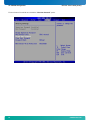
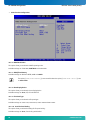
Video Function Configuration
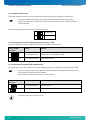
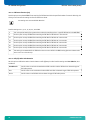
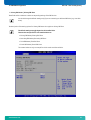
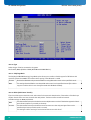
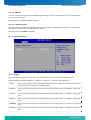
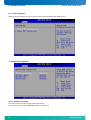
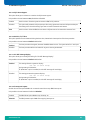
10.7.1.6. DVMT Mode Select
This option allows you to select the DVMT operating mode.
Available settings are: Fixed Mode, DVMT Mode and Combo Mode.
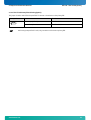
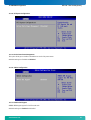
10.7.1.7. DVMT/Fixed Memory
Available settings are: Maximum DVTM, 64MB and 128MB.
The option [DVMT/Fixed Memory] is not accessible when the option [DVMT Mode Select] is set
to Combo Mode.
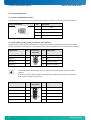
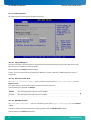
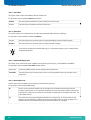
10.7.1.8. Boot Display Device
This option allows you to select the boot display device.
Available settings are: Auto, CRT, LFP and CRT & LFP
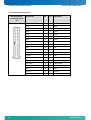
10.7.1.9. Flat Panel Type
This option allows you to select the flat panel type.
Available settings are: 1024 x 756, 1280 x 1024, 1400 x 1050 and 1600 x 1200.
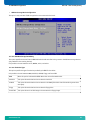
10.7.1.10. Local Flat Panel Scaling
This option allows you select the setting for flat panel scaling.
Available settings are: Auto, Force Scaling and Disabled.
68
www.kontron.com