1
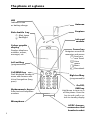
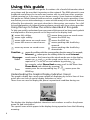
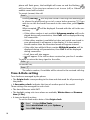
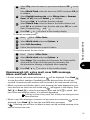
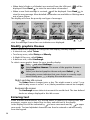
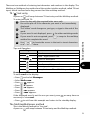
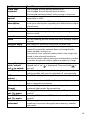
The phone at a glance
LED
Indicates a call
or battery charge
Side shuttle key
Alert tones
Backlight
Colour graphic
display
Displays telephone
numbers, menus,
messages, etc.
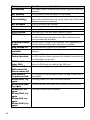
Left softkey
(programmable)
Antenna
Earpiece
Infrared
module
Cursor key
Navigates around the
memories and menus
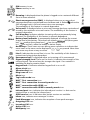
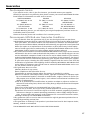
Send your
own Vcard
Voice
memo
Menu
Phonebook
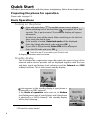
Call/SEND key
Dials displayed number or
name and answers calls.
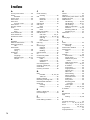
Voice Recognition (long
press)
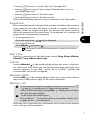
Alphanumeric keys
Enter text and telephone
numbers
Right softkey
(programmable)
On/Off,
END key
Hold down to turn on or
off the phone. Press the
key to end a call or return to standby display
Microphone
AC/DC charger,
accessories and
headset socket
2