1
T3700G-28TQ JetStream 28-Port Gigabit Stackable L3 Managed Switch CLI Guide
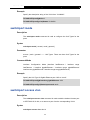
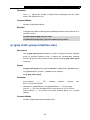
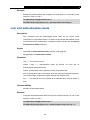
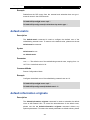
Example
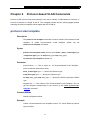
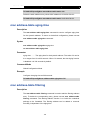
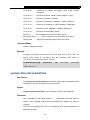
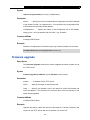
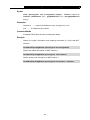
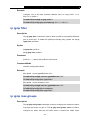
Configure one of the filter multicast address entry as range 225.1.1.1 to
226.3.2.1 in profile 1:
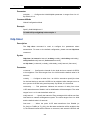
T3700G-28TQ(config)# ip igmp profile 1
T3700G-28TQ(config-igmp-profile)#range 225.1.1.1 226.3.2.1
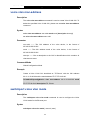
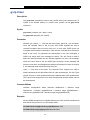
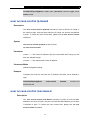
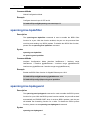
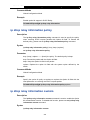
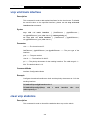
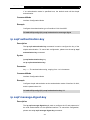
ip igmp filter
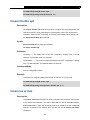
Description
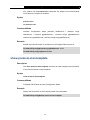
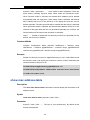
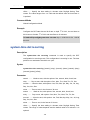
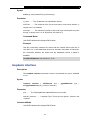
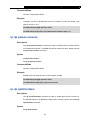
The ip igmp filter command is used to bind a profile to the specified Ethernet
port or routed port. To delete the profile-port binding entry, please use no ip
igmp filter command.
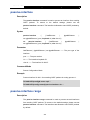
Syntax
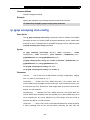
ip igmp filter profile-id
no ip igmp filter profile-id
Parameter
profile-id —— Specify the profile ID to be bound.
Command Mode
Interface Configuration Mode
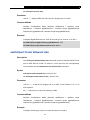
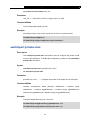
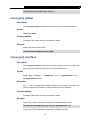
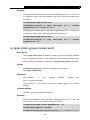
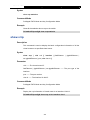
Example
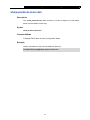
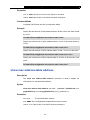
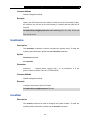
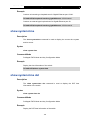
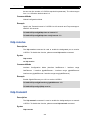
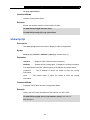
Bind profile 1 to the gigabitEthernet 1/0/1:
T3700G-28TQ(config)# interface gigabitEthernet 1/0/1
T3700G-28TQ(config-if)# ip igmp filter 1
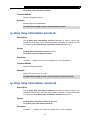
Bind profile 1 to the routed port 1/0/1:
T3700G-28TQ(config)# interface gigabitEthernet 1/0/1
T3700G-28TQ(config-if)# no switchport
T3700G-28TQ(config-if)# ip igmp filter 1
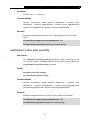
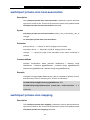
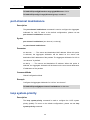
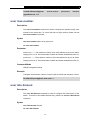
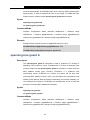
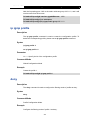
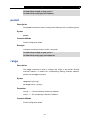
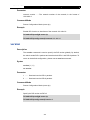
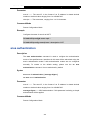
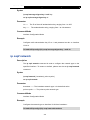
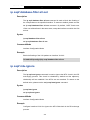
ip igmp max-groups
Description
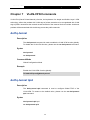
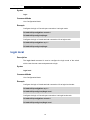
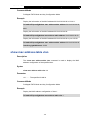
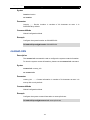
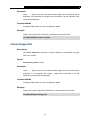
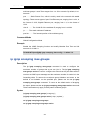
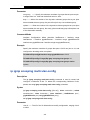
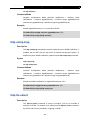
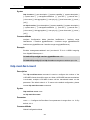
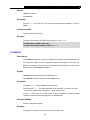
The ip igmp max-groups command is used to configure the maximum number
of groups that a port can join in. The ip igmp max-groups action is used to
configure the action that the port takes when it receives an IGMP report
312