1
AT-9000 Switch Command Line User’s Guide
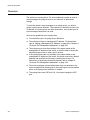
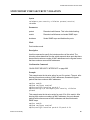
Saving Your Configuration Changes
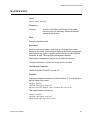
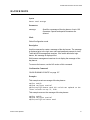
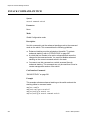
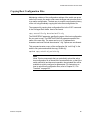
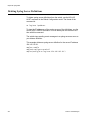
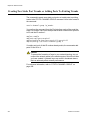
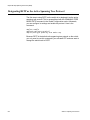
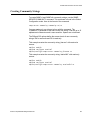
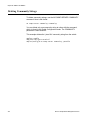
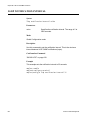
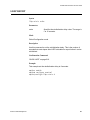
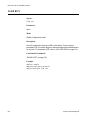
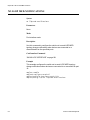
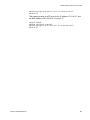
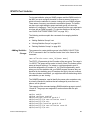
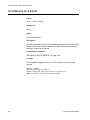
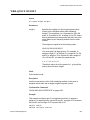
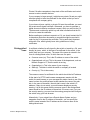
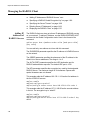
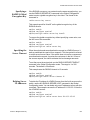
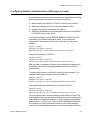
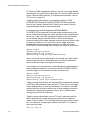
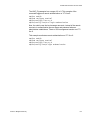
To permanently save your changes to the parameter settings on the
switch, you must update the active boot configuration file. This is
accomplished with either the WRITE command or the COPY RUNNINGCONFIG STARTUP-CONFIG command, both of which are found in the
Privileged Exec mode. When you enter either of these command, the
switch copies its running configuration into the active boot configuration
file for permanent storage.
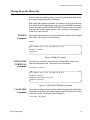
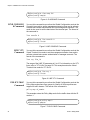
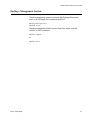
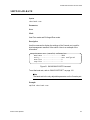
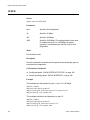
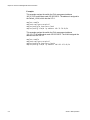
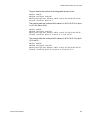
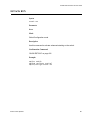
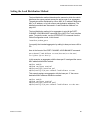
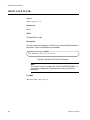
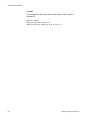
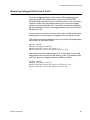
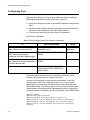
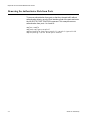
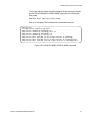
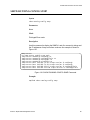
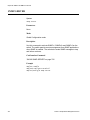
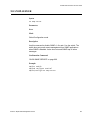
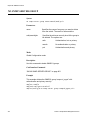
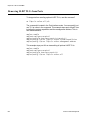
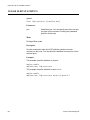
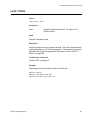
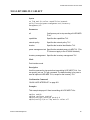
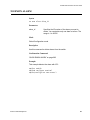
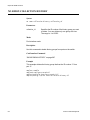
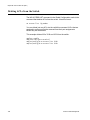
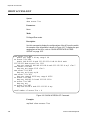
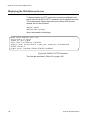
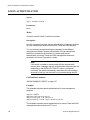
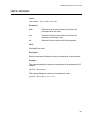
To update the active configuration file, you enter:
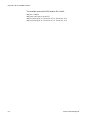
awplus# write
or
awplus# copy running-config startup-config
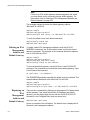
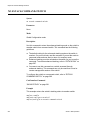
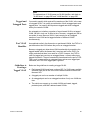
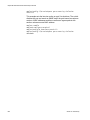
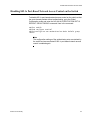
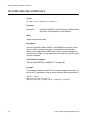
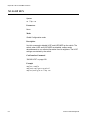
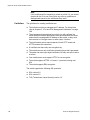
Note
Parameter changes that are not saved in the active boot
configuration file are discarded when the switch is powered off or
reset.
Section I: Getting Started
71