1
Chapter 2: Hardware Installation
2-17
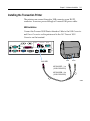
Installing a Second Cash Drawer
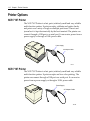
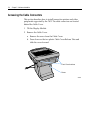
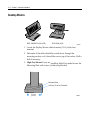
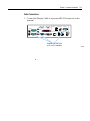
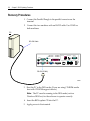
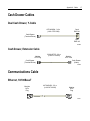
The terminal supports a 2‐drawer configuration with a Y‐cable (1416‐C372‐0006). 1. Place the cash drawer in the desired location, within cableʹs length of the printer. 2. Connect the Y‐cable to the transaction printer cash drawer connector.