1
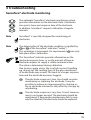
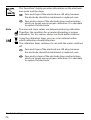
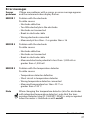
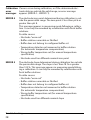
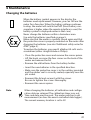
4 Maintenance Changing the batteries When the battery symbol appears in the display, the batteries need replacement. However, you can still use the meter for a few days. When the battery voltage continues to drop, the meter will switch itself off. (Since battery consumption is higher when the remote interface is used, the battery symbol is displayed earlier in that case.) Never change the batteries within a hazardous area. Use only the batteries specified on page 5. Make sure that the meter is carefully closed again and that the protective cover is properly mounted on the meter after changing the batteries (see also “Additional safety notes for ATEX“, page 5). To replace the batteries, you need 3 alkaline AA cells and a screwdriver (either straight-blade or Philips). • Close the protective cover and remove the sensor quiver. • Lift the hook, unscrew the four screws on the back of the meter and remove the lid. • Remove the old batteries from the battery holder. • Insert the new batteries in the specified direction. • Make sure the protective cover is in the notches provided and the rubber seal is correctly seated, especially near the pH socket. • Remount the lid and secure it with the screws. Be sure to tighten the screws thoroughly. • Remount the sensor quiver. Note When changing the batteries, all calibration and configuration data are retained. The calibration timer runs out. Time and date must be reset. The meter switches to pH measurement (as does the event-controlled data logger). The current memory location is set to 00. Maintenance 41