1
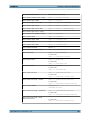
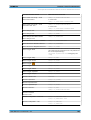
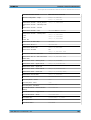
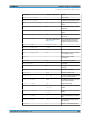
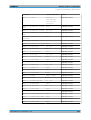
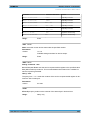
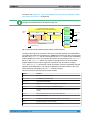
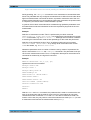
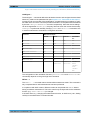
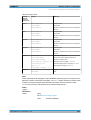
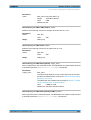
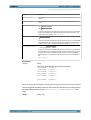
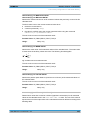
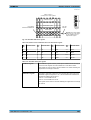
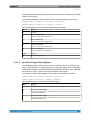
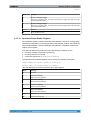
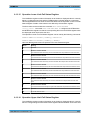
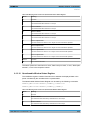
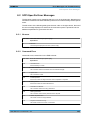
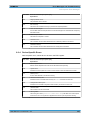
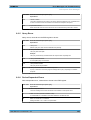
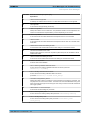
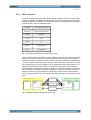
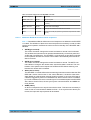
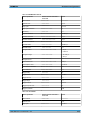
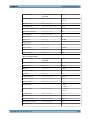
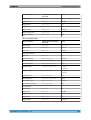
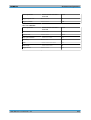
R&S®NRP2 Remote control interfaces Ethernet interface standards are partly emulated via special software commands. The remote control protocol for this interface is based on an IEC/IEEE draft protocol, described below. A.3.1 IEC/IEEE 1174 draft The IEC/IEEE 1174 draft (in the current version D2) defines communications via a serial RS-232-C interface which is based on the existing IEC/IEEE 488.1 and IEC/IEEE 488.2 standards for the IEC/IEEE bus interface. Additional control sequences, initiated by an & character, emulate the IEC/IEEE bus functionality. Example: The special control sequence ">L" emulates the IEC/IEEE bus command GoTo Local. All control characters defined in the IEC/IEEE 1174 draft are listed in table 1-6. This chapter describes how the control sequences can be used for remote control via RS-232C or Ethernet. The IEC/IEEE 1174 draft provides three different operating modes for transmitting the special control sequences. These modes can be set via remote control using the following command: SYSTem:COMMunicate:INET:MODE 0 | 1 | 2 The parameter has the following meanings: A.3.1.1 ● 0: no control sequences (abbr.: 1174.0 mode) ● 1: the IEC/IEEE 488.1 mode (abbr.: 1174.1 mode) ● 2: the IEC/IEEE 488.2 mode (abbr.: 1174.2 mode) The IEC/IEEE 1174.0 mode The IEC/IEEE 1174.0 mode (raw socket communication) does not provide an emulation of the IEC/IEEE bus functionality. A.3.1.2 ● Special control commands like those used by the higher IEC/IEEE 1174.1 and 1174.2 modes are not provided. ● The & character is not doubled. ● The state change "local → remote" is achieved by receiving data. ● The state change "remote → local" is achieved by clearing down the connection (peer sockets). The IEC/IEEE 1174.1 mode To allow emulation of the IEC/IEEE 488.1 standard, special control characters that begin with an & character (0x26) are defined (table 1-6). The link (link 1 or link 2) via which the control sequences are to be transmitted and that (controller or measuring instrument) is allowed to transmit the control sequences are predefined. User Manual 1173.9140.02 ─ 04 358