1
Hardware Status
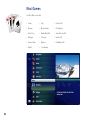
Moxi Settings
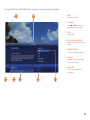
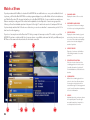
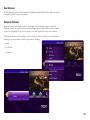
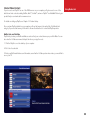
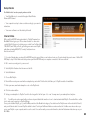
The Hardware Status option displays information about the hardware components in your Moxi device:
Choose to Update info or send logs to server for Moxi customer care support assistance.
• Unique design identifier for Moxi system (Moxi ID located on the rear panel of the Moxi system)
• Hardware ID same as the Moxi ID
• Temperature of the central processing unit (normal, hot, very hot)
• Tuner 1 and 2 signal type (analog, digital, or unknown), the currently tuned channel, and the SNR in the
database
• Authorization state
• CableCARD™ information
Skip
Skip
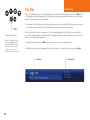
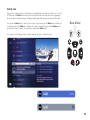
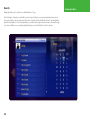
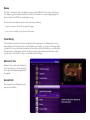
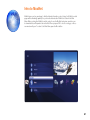
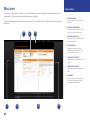
Pressing the skip button on the remote moves you forward in recorded or stored programs in set increments.
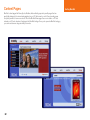
In Settings, navigate to the Skip card and press OK. Select the increment you want to apply to the skip
button on your remote.
73