1
PLC WorkShop for Siemens 505
Chapter 6 – Programming • Data Window
Forcing Word Elements
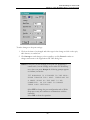
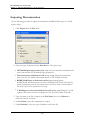
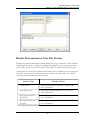
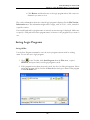
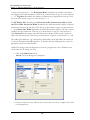
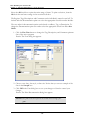
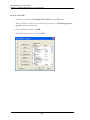
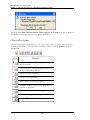
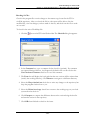
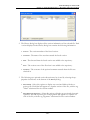
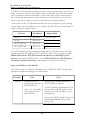
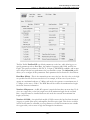
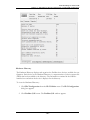
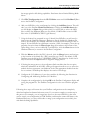
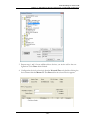
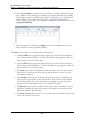
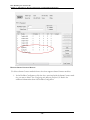
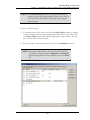
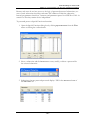
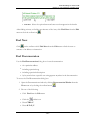
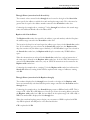
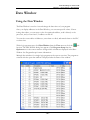
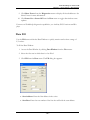
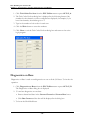
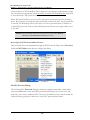
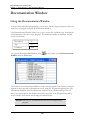
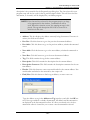
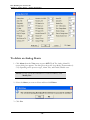
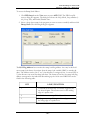
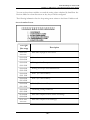
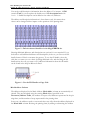
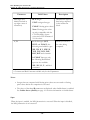
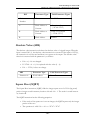
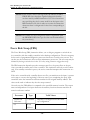
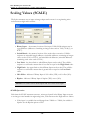
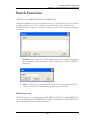
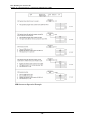
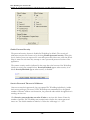
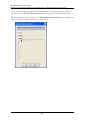
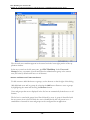
WX and WY word addresses can also be forced to a specified value. Click Force Memory
from the Diagnostics menu or right-click and select Force Memory from the shortcut
menu. The Force Memory dialog box appears.
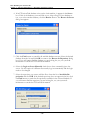
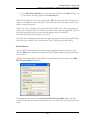
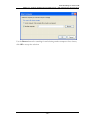
Enter the word address to force in the Address box, and the value you want to use in the
Value box. In the Format drop down box, select the appropriate data format.
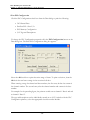
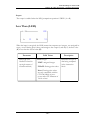
Show Forces
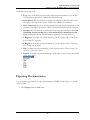
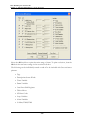
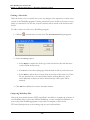
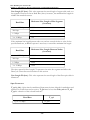
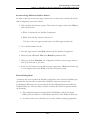
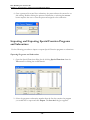
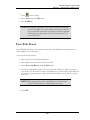
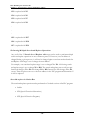
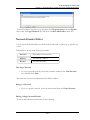
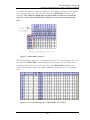
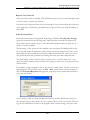
To show all forced elements complete the following steps:
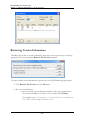
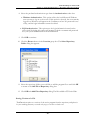
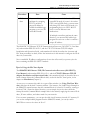
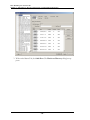
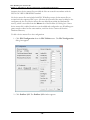
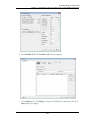
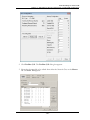
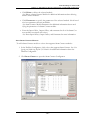
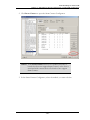
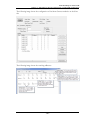
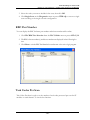
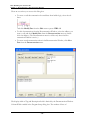
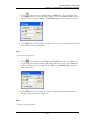
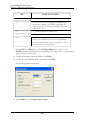
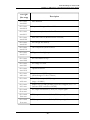
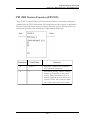
1. With the Data Window open and active, click Show Forces from the Data menu.
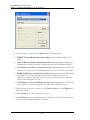
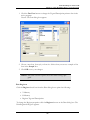
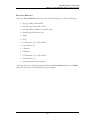
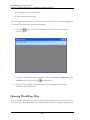
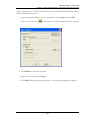
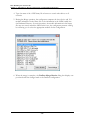
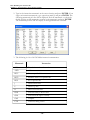
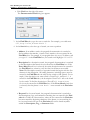
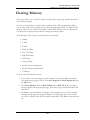
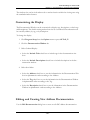
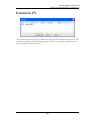
The Display All Forces dialog box appears.
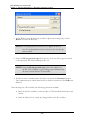
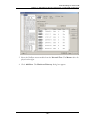
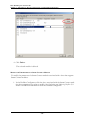
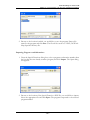
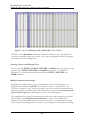
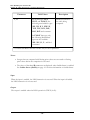
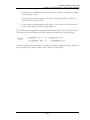
2. Enter an address to start the display in the Start Address box and click OK when
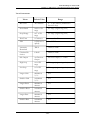
finished. All forced addresses occurring after the Start Address appear in the Data
Window.
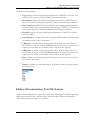
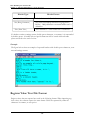
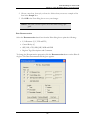
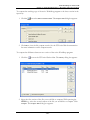
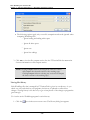
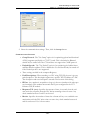
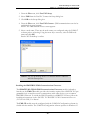
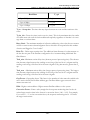
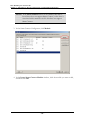
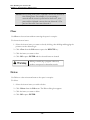
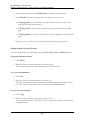
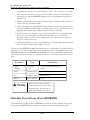
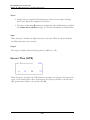
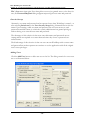
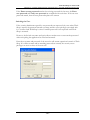
Clear a Forced Element
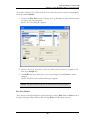
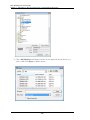
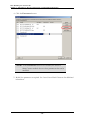
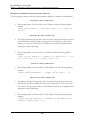
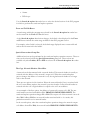
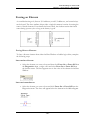
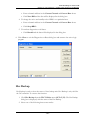
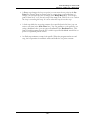
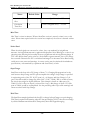
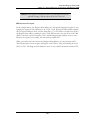
To Clear a Forced Element from either Data Window or ladder logic editor complete the
following steps.
- 292 -