1
WWW.FOSCAM.COM
FI8903W /FI8904W/ FI8905W User Manual
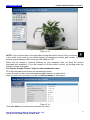
NOTE: Record and multi-device function are controlled by activeX controller, therefore Firefox or
Google Chrome will not allow these functions.
3 How to configure settings in For Administrator
3.1 Alias Settings
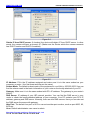
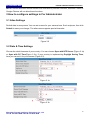
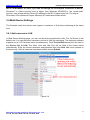
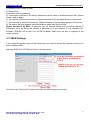
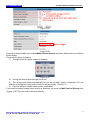
Default alias is anonymous. You can set a name for your camera here. Such as Ipcam, then click
Submit to save your change. The alias name supports special character.
Figure 3.0
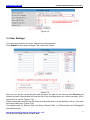
3.2 Date & Time Settings
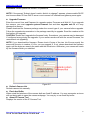
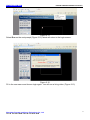
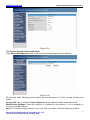
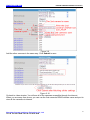
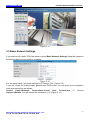
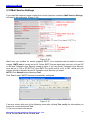
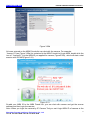
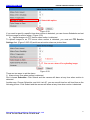
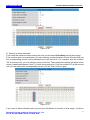
Choose the clock timezone of your country. You can choose Sync with NTP Server (Figure 3.1a)
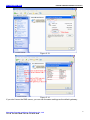
or Sync with PC Time(Figure 3.1b). If your country is implementing Daylight Saving Time,
here you can set it for your camera (Figure 3.2).
Figure 3.1a
Figure 3.1b
Shenzhen Foscam Intelligent Technology Co., Ltd
Tel: 86 755 2674 5668 Fax: 86 755 2674 5168
20