1
GSK983M Milling CNC System User Manual (Volume II: Operations)
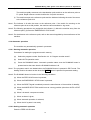
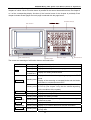
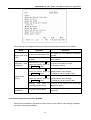
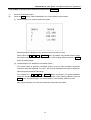
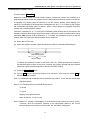
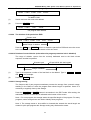
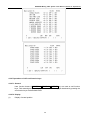
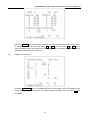
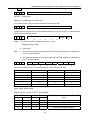
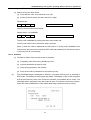
Press the MACRO key. Now the local variable and common variable of user macro program
are displayed on the LCD screen.
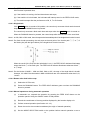
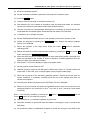
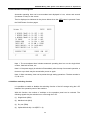
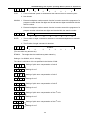
Press the SWITCH key. The menu switch window is displayed as shown as shown in Section
4.26 (menu switch function).
(6)
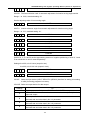
Display of alarm and operation information
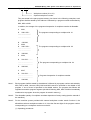
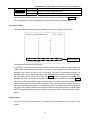
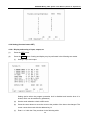
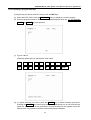
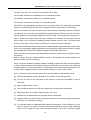
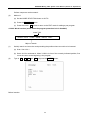
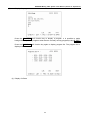
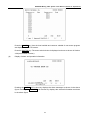
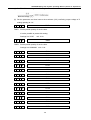
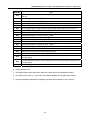
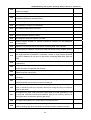
Pressing the ALARM soft function key displays the alarm messages as shown in the above
figure. Pressing the OUTMESS soft function key displays the external information as shown
in the above figure.
64