1
Preparation
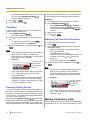
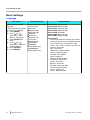
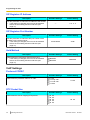
Changing the Language
TEL Line Settings
1. Press [MENU].
2. Press [ ] or [ ] repeatedly to select "Basic
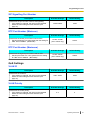
Selecting the Available Lines
Settings".
3. Press [ENTER] two times.
4. Press [ ] or [ ] repeatedly to select the desired
language.
5. Press [ENTER], then press [MENU].
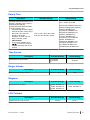
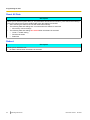
Setting the Date & Time
Set the unit's date and time setting before using the unit.
The date and time are shown on the display in standby
mode, and are displayed when playing conversations
that were recorded to an SD memory card.
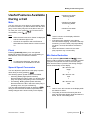
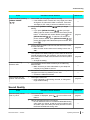
1. Press [MENU].
2. Select "Basic Settings", then press SELECT .
3. Select "Date & Time", then press SELECT .
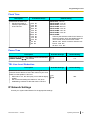
4. Using the keypad, enter 2 digits each for the year,
month, day of the month, hour (24-hour format), and
minute.
Example: To enter "Jan. 23, 2008, 7:45 PM", press
[0801231945].
to move
• If you make a mistake, press
the cursor as needed, then enter the correct
number.
5. Press SAVE .
6. Press [MENU].
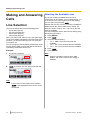
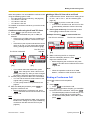
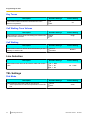
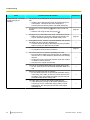
To use the TEL line, the "Line Selection" setting
must be set to "IP + TEL". (This is the default setting.)
1. Press [MENU].
2. Press LINE .
3. Select "IP + TEL".
• When "Line Selection" is set to "IP +
PC" or "IP + PS", TEL calls cannot be made or
received.
4. Press SAVE .
5. Press [MENU].
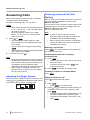
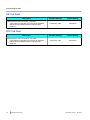
Setting the Dial Mode
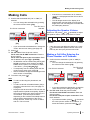
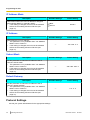
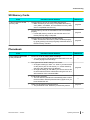
Set the dial mode to "Pulse" if the TEL line does not
support tone dialling.
1. Press [MENU].
2. Select "TEL Settings", then press SELECT .
3.
4.
5.
6.
Select "Dial Mode", then press
Select "Pulse" or "Tone".
Press SAVE .
Press [MENU].
SELECT
.
Note
•
•
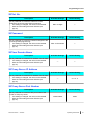
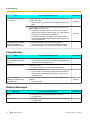
You can select 12-hour or 24-hour time display
(see page 53).
The date format varies by the selection made
for the "Language" setting. See page 52 for
details.
Document Version
2010/02
Operating Instructions
25