1
243
Pivot tables
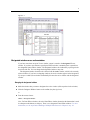
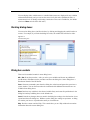
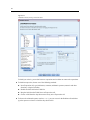
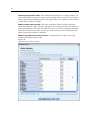
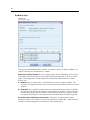
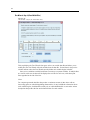
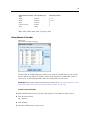
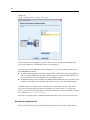
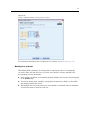
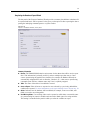
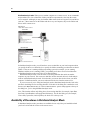
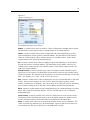
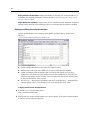
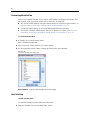
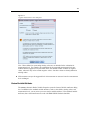
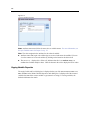
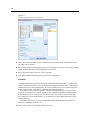
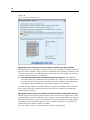
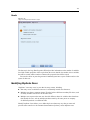
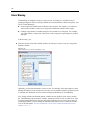
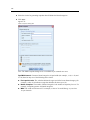
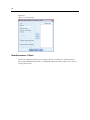
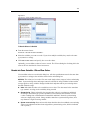
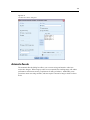
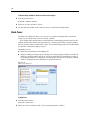
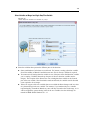
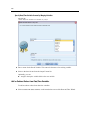
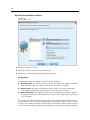
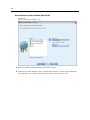
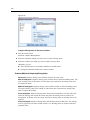
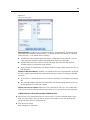
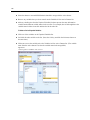
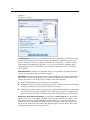
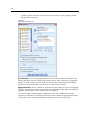
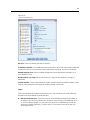
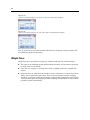
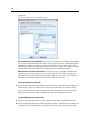
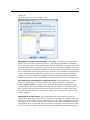
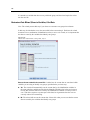
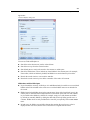
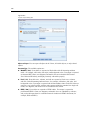
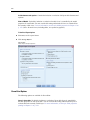
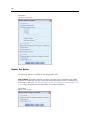
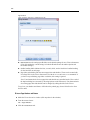
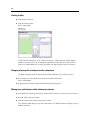
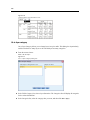
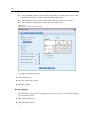
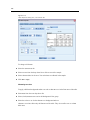
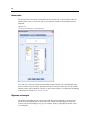
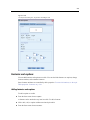
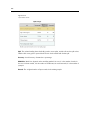
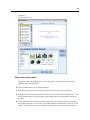
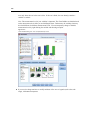
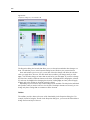
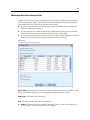
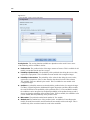
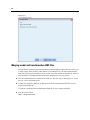
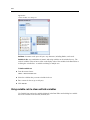
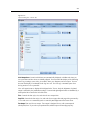
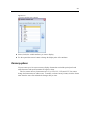
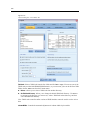
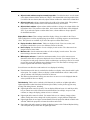
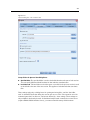
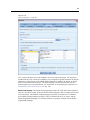
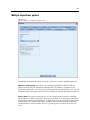
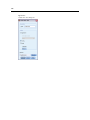
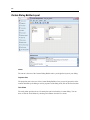
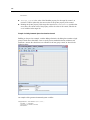
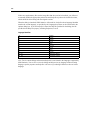
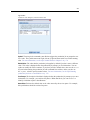
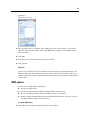
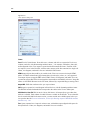
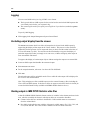
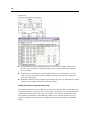
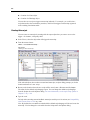
Figure 11-20
Cell Properties dialog box, Alignment and Margins tab
Footnotes and captions
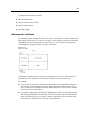
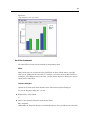
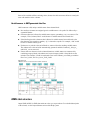
You can add footnotes and captions to a table. You can also hide footnotes or captions, change
footnote markers, and renumber footnotes.
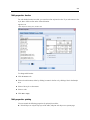
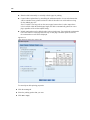
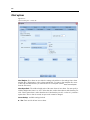
Some footnote attributes are controlled by table properties. For more information, see the topic
Table properties: footnotes on p. 236.
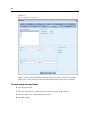
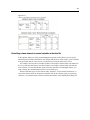
Adding footnotes and captions
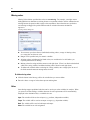
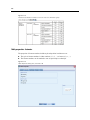
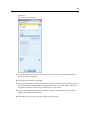
To add a caption to a table:
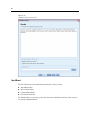
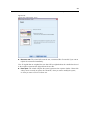
E From the Insert menu choose Caption.
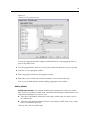
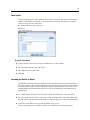
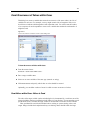
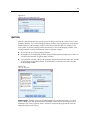
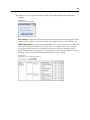
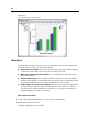
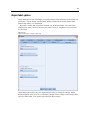
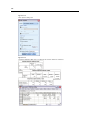
A footnote can be attached to any item in a table. To add a footnote:
E Click a title, cell, or caption within an activated pivot table.
E From the Insert menu choose Footnote.