1
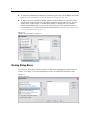
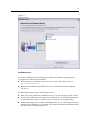
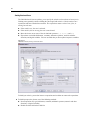
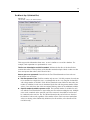
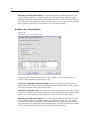
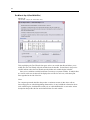
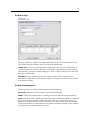
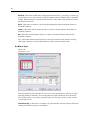
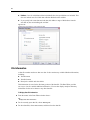
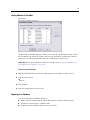
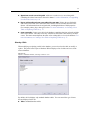
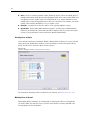
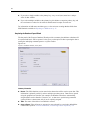
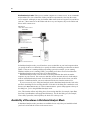
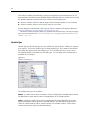
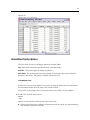
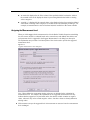
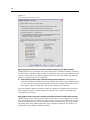
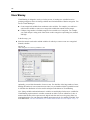
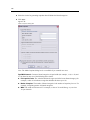
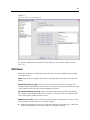
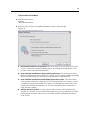
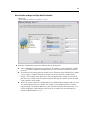
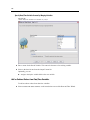
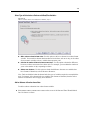
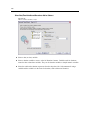
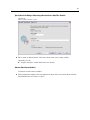
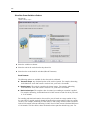
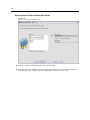
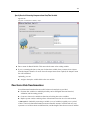
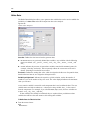
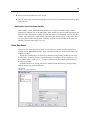
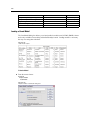
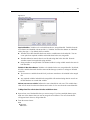
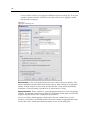
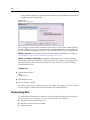
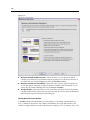
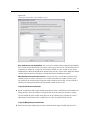
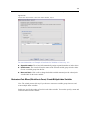
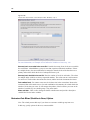
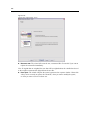
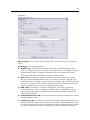
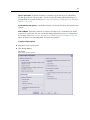
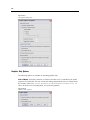
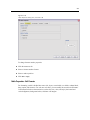
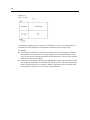
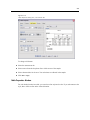
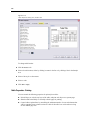
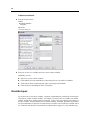
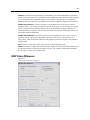
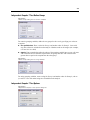
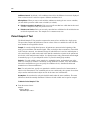
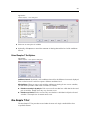
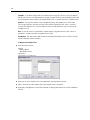
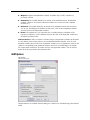
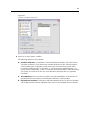
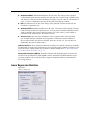
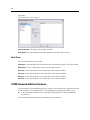
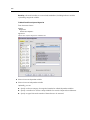
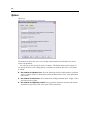
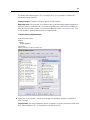
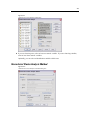
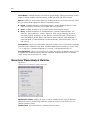
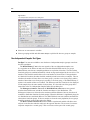
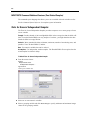
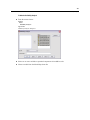
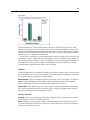
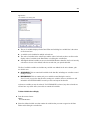
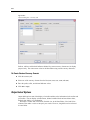
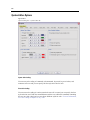
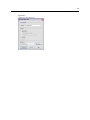
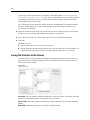
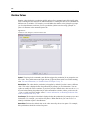
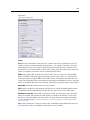
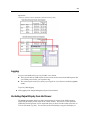
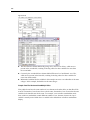
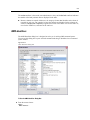
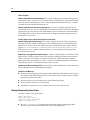
58 Chapter 3 If you select a single variable as the primary key, every record (case) must have a unique value for that variable. If you select multiple variables as the primary key, this defines a composite primary key, and the combination of values for the selected variables must be unique for each case. For information on field names and data types, see the section on creating database fields from SPSS Statistics variables in Exporting to a Database on p. 47. Completing the Database Export Wizard The last panel of the Export to Database Wizard provides a summary that indicates what data will be exported and how it will be exported. It also gives you the option of either exporting the data or pasting the underlying command syntax to a syntax window. Figure 3-34 Export to Database Wizard, finish panel Summary Information Dataset. The SPSS Statistics session name for the dataset that will be used to export data. This information is primarily useful if you have multiple open data sources. Data sources opened using the graphical user interface (for example, the Database Wizard) are automatically assigned names such as DataSet1, DataSet2, etc. A data source opened using command syntax will have a dataset name only if one is explicitly assigned. Table. The name of the table to be modified or created. Cases to Export. Either all cases are exported or cases selected by a previously defined filter condition are exported. For more information, see Selecting Cases to Export on p. 52.