1
34
Chapter 3
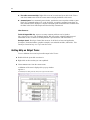
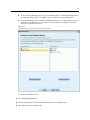
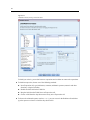
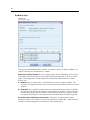
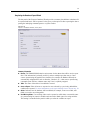
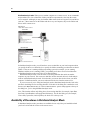
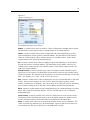
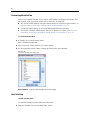
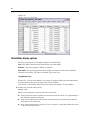
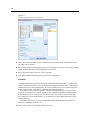
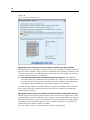
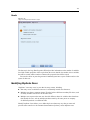
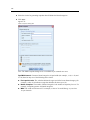
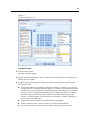
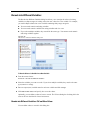
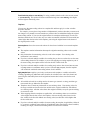
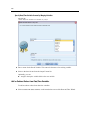
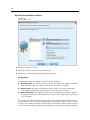
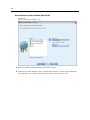
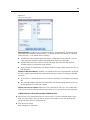
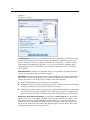
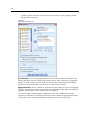
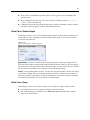
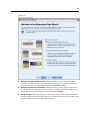
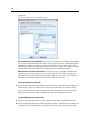
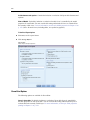
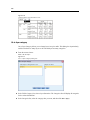
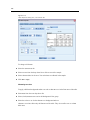
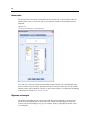
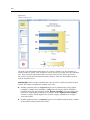
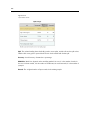
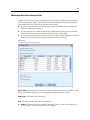
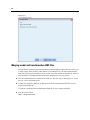
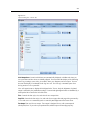
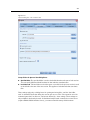
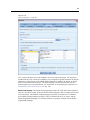
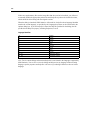
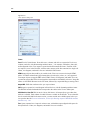
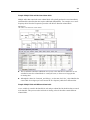
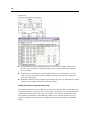
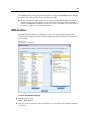
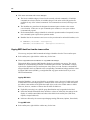
Text Wizard: Step 4 (Fixed-Width Files)
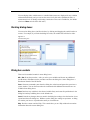
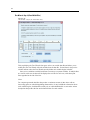
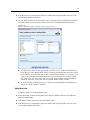
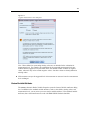
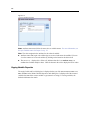
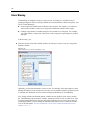
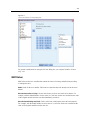
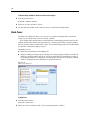
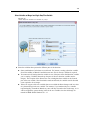
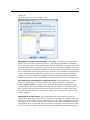
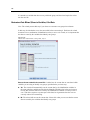
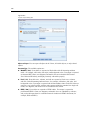
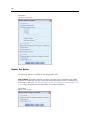
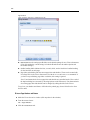
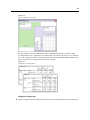
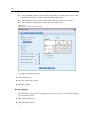
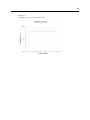
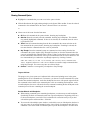
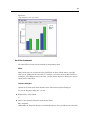
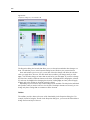
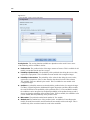
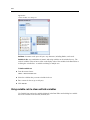
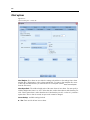
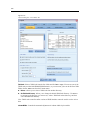
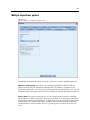
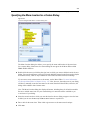
Figure 3-18
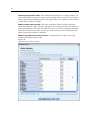
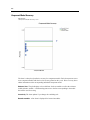
Text Wizard: Step 4 (for fixed-width files)
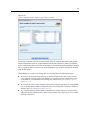
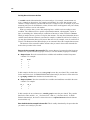
This step displays the Text Wizard’s best guess on how to read the data file and allows you to
modify how the Text Wizard will read variables from the data file. Vertical lines in the preview
window indicate where the Text Wizard currently thinks each variable begins in the file.
Insert, move, and delete variable break lines as necessary to separate variables. If multiple lines
are used for each case, the data will be displayed as one line for each case, with subsequent
lines appended to the end of the line.
Notes:
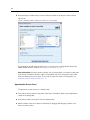
For computer-generated data files that produce a continuous stream of data values with no
intervening spaces or other distinguishing characteristics, it may be difficult to determine where
each variable begins. Such data files usually rely on a data definition file or some other written
description that specifies the line and column location for each variable.