1
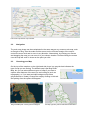
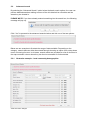
Full screen map without map controller
2.2
Navigation
The main map image can be manipulated in the same way as any common web map, such
as Google or Bing. Use the scale and the arrows on the left hand margin of the map to
control the zoom level and to move in any direction. Alternatively, by clicking your mouse
and dragging the map you can move it to your chosen location. Double clicking the mouse
over the map will zoom in closer on the point you click.
2.3
Choosing your Map
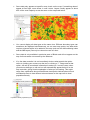
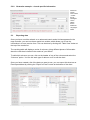
On the top of the map box on the right hand side, there is a gray tab that indicates the
type of map you are seeing. The default map is the Bing Road
Map, but you can select different types of maps if you want to
explore other features of the area you are looking at (such as
topography), or if you want a simple background (such as
greyscale and no roads). Change the map by clicking on this tab
and picking from the options that appear.
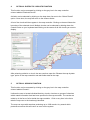
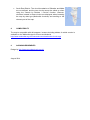
Bing Aerial Map with Learning Network Regions
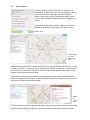
Arc Map Light Grey Canvas with District Boundaries