1
2-147
Triggers
Triggers and the Sentences API
The Sentences API is described in a series of HTML files in the \Doc directory of
your Sentences installation. There is an overview of the Sentences API in
\Doc\api.html. This document contains links to sections on different aspects of
using the Sentences API, including how to create triggers and custom datatypes.
Installing a trigger
To use a trigger, you must write your own Java code, compile the code into a Java
archive (JAR) file, and place the JAR file in the directory listed in the
TriggerPath property in the Server.properties file. You can then use the
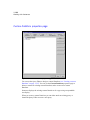
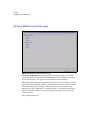
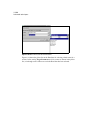
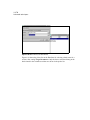
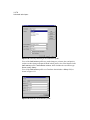
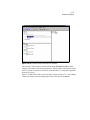
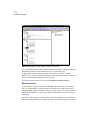
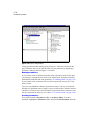
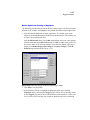
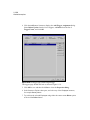
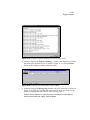
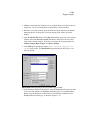
Triggers properties page to assign the trigger to a particular entity or association
type. The detailed steps for attaching a trigger to an entity or association type, and
how to edit trigger assignments are given in the next section.
Attaching a trigger
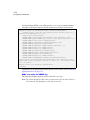
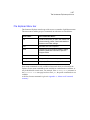
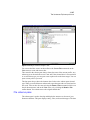
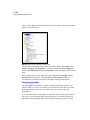
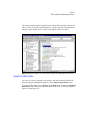
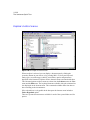
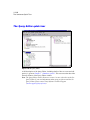
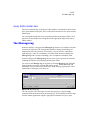
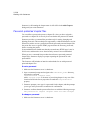
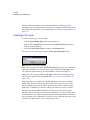
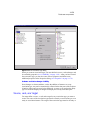
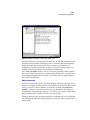
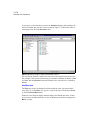
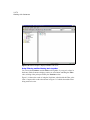
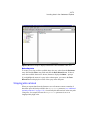
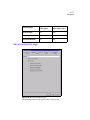
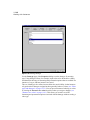
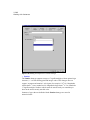
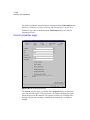
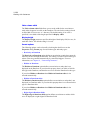
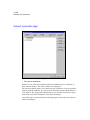
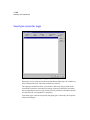
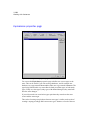
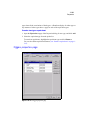
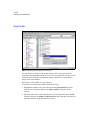
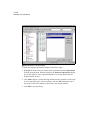
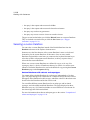
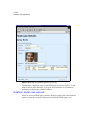
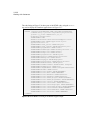
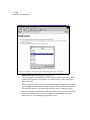
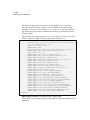
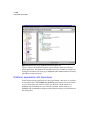
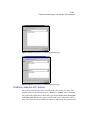
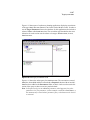
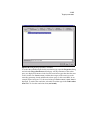
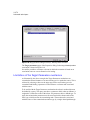
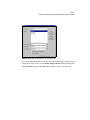
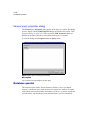
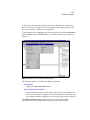
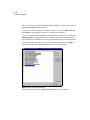
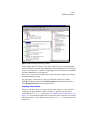
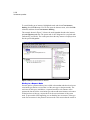
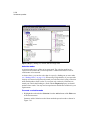
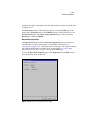
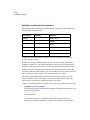
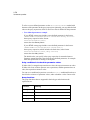
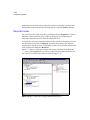
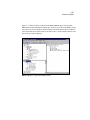
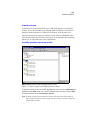
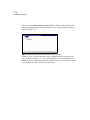
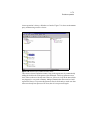
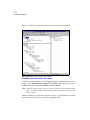
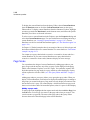
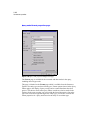
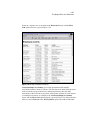
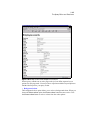
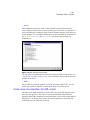
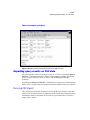
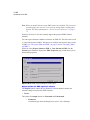
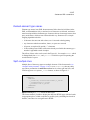
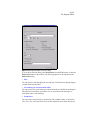
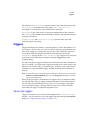
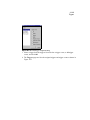
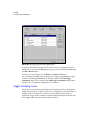
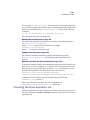
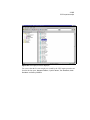
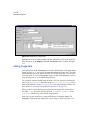
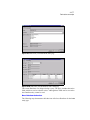
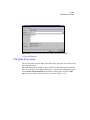
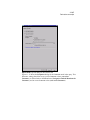
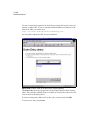
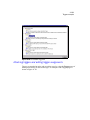
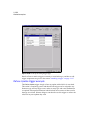
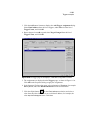
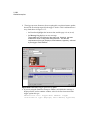
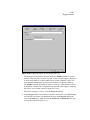
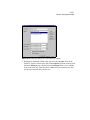
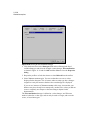
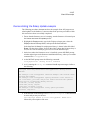
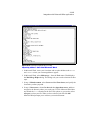
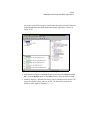
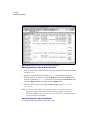
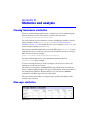
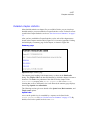
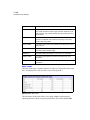
To view the list of triggers available on the Sentences server, select Triggers from
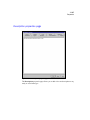
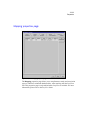
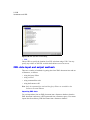
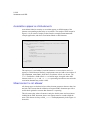
the View menu. Sentences displays the Available Triggers list.
Figure 10-2 The Available Triggers list