1
2-35
Database queries
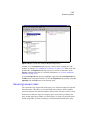
You can limit the amount of data returned by the query processor by defining a
restriction on a particular node. The restriction you define limits the results returned
for the node to one specified instance and is known as binding a node.
If you have a multiple association and bind the results to a particular instance
Sentences still regards the association as multiple for the purposes of calculations in
expressions.
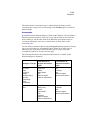
There are three ways to bind a request node. You can bind a node:
• to an entity or association instance
• to another request node
• to a parameter
Binding to an instance
You may bind any type node in your request tree to an instance, which limits your
results to those that refer to that instance.
If you bind the data request node Sentences builds a result tree with only a single
main branch, based on the instance specified.
If you bind any other request node the results for that node are limited to the
specified instance. The results for the immediate parent node are also limited to that
instance, if the bound request node is a source or target request.
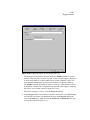
If you want to display only those nodes that are bound to the instance you specify,
define the parent node of that instance as Required.
If a source or target request node is bound to an instance its parent request may still
produce more than one result, as there may be more than one association between
the same source and target.
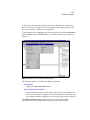
To bind a node to an instance
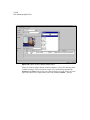
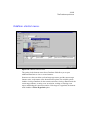
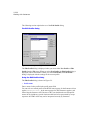
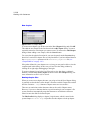
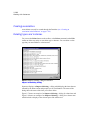
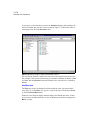
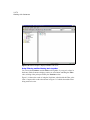
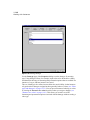
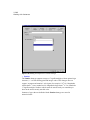
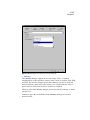
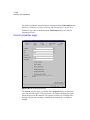
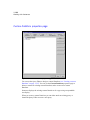
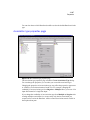
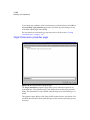
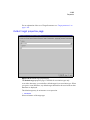
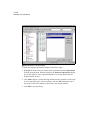
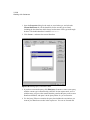
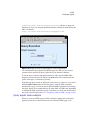
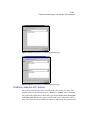
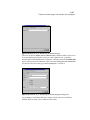
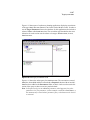
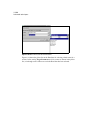
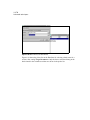
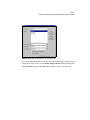
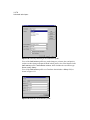
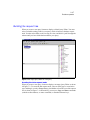
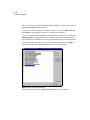
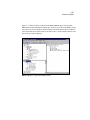
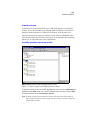
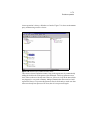
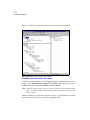
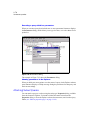
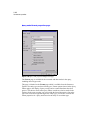
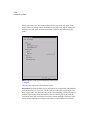
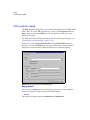
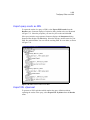
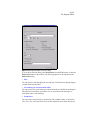
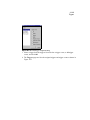
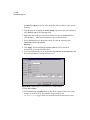
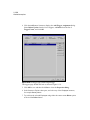
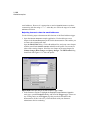
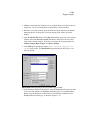
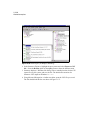
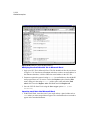
To bind a node to an instance, highlight the node and select Bind to instance from
the Edit menu. You can also open the shortcut menu, select the Edit submenu, and
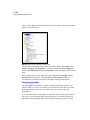
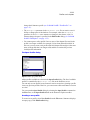
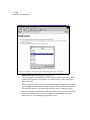
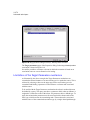
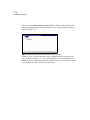
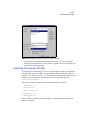
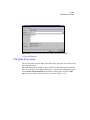
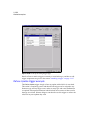
then select Bind to instance. Sentences displays a picker list showing the available
instances.
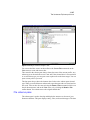
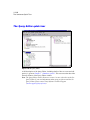
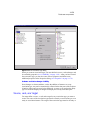
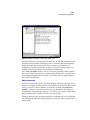
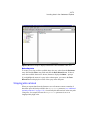
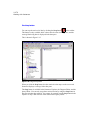
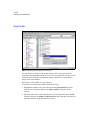
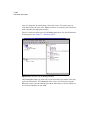
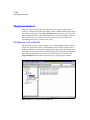
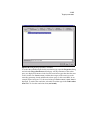
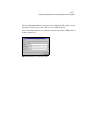
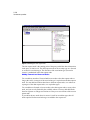
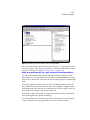
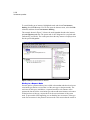
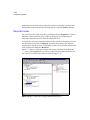
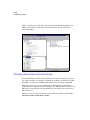
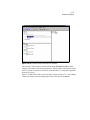
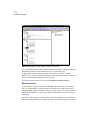
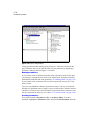
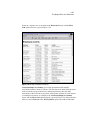
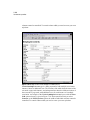
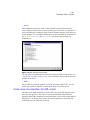
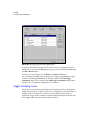
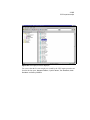
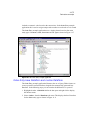
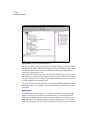
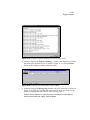
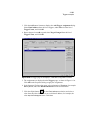
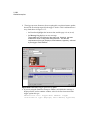
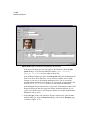
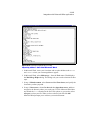
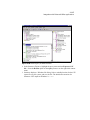
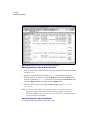
Alternatively you may use drag and drop to bind a query node to an instance. If you
drag an instance from the Query Editor results pane or from the Explorer data pane
and drop it onto a request node of the same type, Sentences binds the request node
to that instance.