1
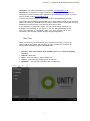
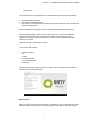
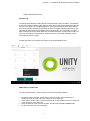
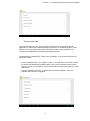
Version 1.0 Softphone User Guide for Android Tablet CONTACTS The Contacts list in the Contacts tab can contain different types of contacts as follows: Presence-enabled contacts Non-presence-enabled contacts Any contact can be marked as a favourite and it appears at the top of the Contacts list in the Favourites section. Presence-enabled contacts are users with an Extensible Messaging and Presence Protocol (XMPP) address. These can be other Unity users or users from federated systems such as Google Talk. Non-presence-enabled contacts can be phone or conference numbers. These are also stored on the server and available on all client instances of the user. Contacts can also be organized in Groups. The Contacts tab contains: UC-One Contacts − All − Online Contact Directories − Local Address Book − Directory Directory provides the company directory contacts. The Local contact list provides the contacts from the local phone book. Add Contacts When you sign in for the first time, there are no contacts on your Contacts list. Add a new presence-enable contact at any time by selecting the option Add Contact from the plus 3