1
If no operation is instructed (such as not watching TV
using tivizen pico 2 DVB-T) for more than 5 minutes with
the accessory connected to iPad, the accessory will turn
off automatically for power saving purpose. To resume
watching TV, remove the accessory from iPad and insert
it back again.
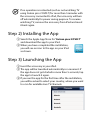
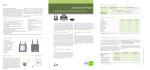
Step 2) Installing the App
! Search the Apple App Store for “tivizen pico 2 DVB-T”
and download the app to your iPad.
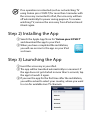
" When you have completed the installation,
you will see an icon to the app on your iPad
as shown.
Step 3) Launching the App
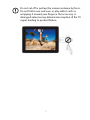
! Insert the accessory in your iPad.
" The app will be launched automatically in a moment. If
the app does not get started in more than 5 seconds, tap
the app to launch it again.
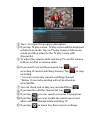
# If you run the app for the first time after the installation,
you will be asked to select your country, where you want
to scan for available Live TV channels.